
HTTPS and Website Security: Why It Matters More Than Ever
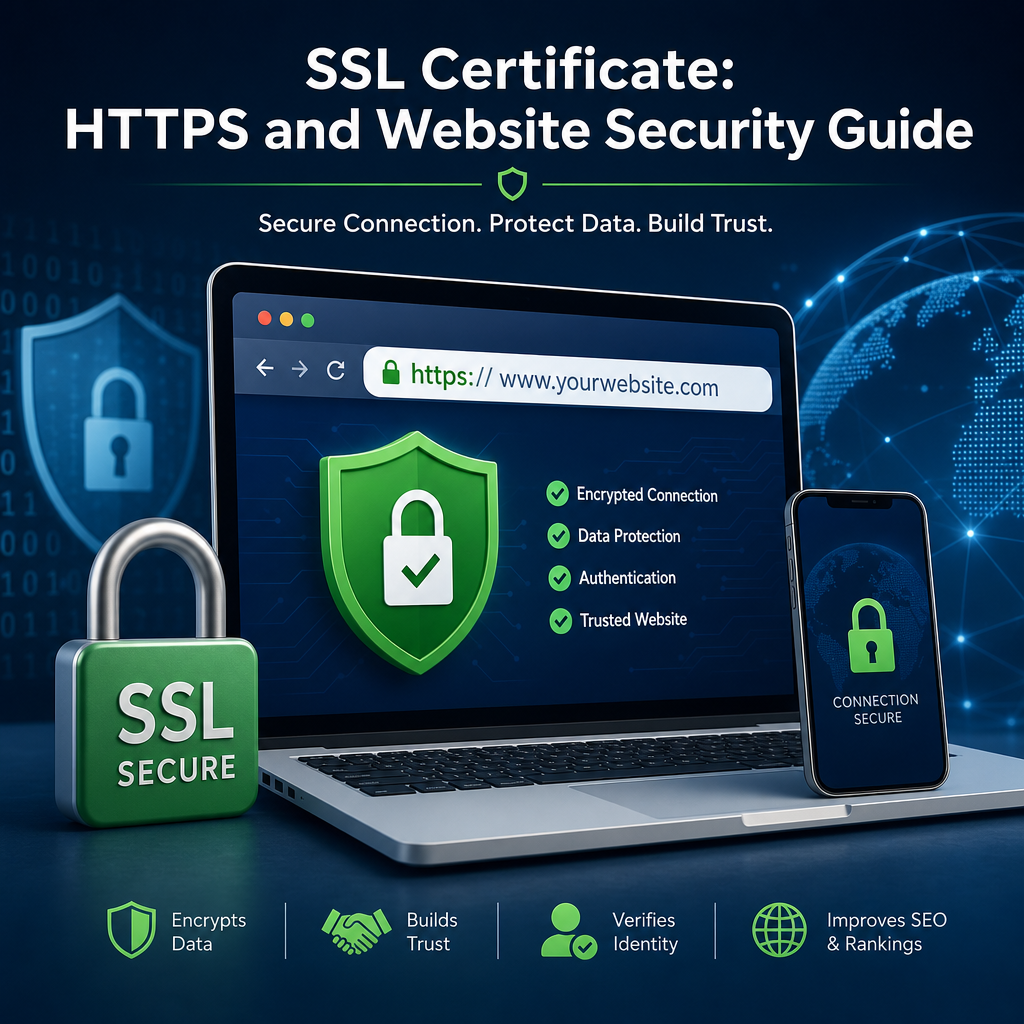
Website security is no longer just a concern for large companies or online stores. Any website that collects information, logs user activity, or simply wants to build trust needs to take security seriously. One of the most important steps in protecting a website is using HTTPS, which works hand in hand with an SSL certificate to encrypt traffic between the browser and the server.
If you have ever noticed the padlock icon in a browser address bar, you have already seen HTTPS in action. That small symbol represents a much bigger idea: protecting users from data theft, tampering, and impersonation. In this article, we will explore what HTTPS is, why it matters, how it improves website security, and what site owners should know when setting it up.
What Is HTTPS?
HTTPS stands for Hypertext Transfer Protocol Secure. It is the secure version of HTTP, the protocol browsers use to communicate with websites. The main difference is that HTTPS encrypts the data being transferred.
When a visitor enters a password, fills out a form, or makes a payment, that data travels from their browser to the website’s server. Without HTTPS, that information can potentially be intercepted and read by attackers. With HTTPS, the data is encrypted, making it much harder to steal or manipulate.
At the center of HTTPS is the SSL certificate. Despite the name, most modern certificates technically use TLS, or Transport Layer Security. However, the term SSL certificate is still widely used in everyday conversation and in many website platforms.
Why Website Security Depends on HTTPS
Website security is about more than keeping hackers out. It is about protecting privacy, preventing fraud, maintaining trust, and ensuring visitors can safely interact with your site. HTTPS plays a key role in all of these areas.
1. It Protects Sensitive Data
Any time a website handles:
- Login credentials
- Contact form submissions
- Payment details
- Personal information
- Newsletter signups
it should use HTTPS. Without encryption, data can be exposed to network sniffing or man-in-the-middle attacks, especially on public Wi-Fi or insecure networks.
For example, imagine a customer buying a product from an online store. If the checkout page does not use HTTPS, a cybercriminal on the same network could potentially intercept their card details or session data. HTTPS prevents that by encrypting the transfer.
2. It Builds User Trust
Users have become more aware of security warnings. Browsers now clearly mark insecure websites, and many visitors leave immediately if they see a warning or the absence of a secure connection.
A secure website sends a message:
- This site is legitimate
- Your information is protected
- The business cares about safety
That trust matters whether you run a blog, portfolio, membership site, or e-commerce store. Even if you are not collecting sensitive data, visitors want to know the website they are browsing is safe.
3. It Helps Prevent Tampering
HTTPS does more than encrypt information. It also helps ensure data is not altered in transit. That means attackers cannot easily inject malicious scripts, replace content, or redirect users without detection.
This is especially important for public-facing websites. If a user lands on your site and the page content has been tampered with during transmission, they could be exposed to malware, phishing, or fake login pages.
4. It Supports Browser and Search Engine Expectations
Modern browsers increasingly treat HTTPS as the standard. Many features, such as geolocation, camera access, and service workers, either require HTTPS or work better with it.
Search engines also prefer secure sites. While HTTPS is not the only ranking factor, it is a positive signal and part of the broader trust ecosystem. In practice, websites using an ssl certificate and HTTPS often have a better user experience and a stronger reputation.
How an SSL Certificate Works
An ssl certificate is a digital file that verifies the identity of a website and enables encrypted communication. It is issued by a Certificate Authority, or CA, which is a trusted organization that validates the certificate request.
Here is the simplified process:
- A website owner requests an SSL certificate.
- The Certificate Authority verifies ownership and, in some cases, business identity.
- The certificate is installed on the web server.
- When a visitor connects, the server presents the certificate.
- The browser checks the certificate and establishes an encrypted connection.
This process happens in seconds, but it is essential for secure browsing. The certificate helps the browser confirm it is communicating with the correct site, not an impostor.
Types of SSL Certificates
There are several types of certificates, depending on the level of validation needed:
- Domain Validated (DV): Confirms ownership of the domain. Common for blogs and small sites.
- Organization Validated (OV): Verifies both domain ownership and organization details.
- Extended Validation (EV): Uses a more rigorous verification process, often used by financial and enterprise sites.
There are also certificates for single domains, wildcard domains, and multiple domains. The right choice depends on how your website is structured.
Common Security Risks HTTPS Helps Reduce
HTTPS is not a complete security solution, but it does reduce several major risks.
Eavesdropping
Without encryption, attackers can read traffic between users and websites. This is especially dangerous on open networks like cafes, airports, and hotels.
Session Hijacking
When a user logs into a site, their session token may be sent over the network. If that token is intercepted, an attacker may impersonate the user. HTTPS helps protect session data from being stolen.
Content Injection
On insecure connections, attackers may inject ads, malware, or fake prompts into the website content. This can damage your reputation and harm visitors.
Phishing and Spoofing
While HTTPS cannot stop every phishing attempt, it does make it harder for attackers to impersonate a legitimate website. A valid ssl certificate helps confirm identity and encourages browser-level trust indicators.
Why HTTPS Matters for More Than Just Online Stores
Many people think HTTPS is only necessary for e-commerce websites, but that is outdated thinking. Today, almost every site benefits from secure connections.
Blogs and Content Sites
Even a simple blog may have contact forms, comment sections, analytics, or email signup forms. Visitors also expect a clean, trustworthy browsing experience. HTTPS helps prevent warnings and improves credibility.
Business Websites
Company websites often include lead forms, customer inquiries, job applications, and internal portal links. A secure connection supports professionalism and protects any information users submit.
Membership and Education Platforms
Sites with logins, dashboards, courses, or private content must use HTTPS to protect account access and user data.
Portfolios and Personal Sites
Even if a portfolio does not collect sensitive data, HTTPS helps ensure the site is taken seriously. It is now considered a baseline best practice.
What Happens If a Site Does Not Use HTTPS?
A site without HTTPS may still work, but it can create several problems.
Browser Warnings
Modern browsers label non-HTTPS sites as “Not Secure.” This can scare visitors away before they even explore your content.
Lower Trust and Conversion Rates
If your audience sees a warning or suspects the site is outdated, they may be less likely to subscribe, contact you, or make a purchase.
SEO and Technical Limitations
Some tools and browser features may not function properly on insecure sites. Also, if your competitors use HTTPS and you do not, your site may appear less modern and reliable.
Security Exposure
Without encryption, data can be intercepted or altered. That is a major risk for any website, even one that seems low-profile.
How to Move a Website to HTTPS
Switching a website from HTTP to HTTPS is a straightforward process, but it should be done carefully to avoid broken links or duplicate content issues.
1. Get an SSL Certificate
The first step is obtaining an ssl certificate from your hosting provider or a trusted Certificate Authority. Many hosting companies now offer free certificates through services like Let’s Encrypt.
2. Install the Certificate
Once issued, the certificate must be installed on the web server. Many managed hosting platforms do this automatically, while others require manual setup.
3. Update Site URLs
After installation, update your site’s URLs from http:// to https://. This may include:
- WordPress settings
- Internal links
- Images and files
- Canonical tags
- Sitemaps
4. Set Up Redirects
Use 301 redirects to send all HTTP traffic to the HTTPS version of the site. This helps preserve SEO value and ensures users always land on the secure version.
5. Check for Mixed Content
Mixed content occurs when a secure page loads insecure resources like images, scripts, or stylesheets over HTTP. Browsers may block these items or show security warnings.
To avoid this, make sure all resources load over HTTPS. This is one of the most common issues during migration.
6. Test Everything
After switching, test the website thoroughly:
- Pages load correctly
- Forms submit securely
- Logins work properly
- Redirects function as expected
- The padlock appears in the browser
Best Practices for Stronger Website Security
HTTPS is essential, but it should be part of a broader security strategy. Here are some additional best practices that strengthen your website’s defenses.
Keep Software Updated
Outdated CMS platforms, plugins, themes, and server software are common attack targets. Regular updates reduce vulnerabilities.
Use Strong Passwords and Two-Factor Authentication
Admin accounts should have unique, complex passwords. Two-factor authentication adds another layer of protection.
Limit Access
Only give admin access to people who truly need it. Fewer privileged accounts mean fewer opportunities for misuse.
Back Up Your Website
If something goes wrong, backups allow you to restore the site quickly. Automate backups whenever possible.
Use Security Headers
Security headers such as Content Security Policy, HSTS, and X-Frame-Options can help prevent attacks like clickjacking and unauthorized script execution.
Monitor for Problems
Track uptime, failed login attempts, suspicious file changes, and certificate expiration dates. Monitoring helps you catch issues before they become serious.
How HTTPS Affects User Experience
Good security should not make a website harder to use. In many cases, HTTPS actually improves the user experience.
- Pages load more reliably
- Browsers trust the site more
- Forms feel safer to submit
- Modern features work properly
- Visitors are less likely to leave due to warnings
That means HTTPS supports both security and usability. It is one of the few improvements that benefits site owners and users at the same time.
For example, a local service business with a quote request form will likely see better engagement once the site uses HTTPS. Visitors feel comfortable entering their contact details when they see a secure connection and a valid ssl certificate.
Conclusion
HTTPS is one of the most important foundations of modern website security. It protects sensitive data, prevents tampering, and signals trust to visitors and browsers alike. Backed by an ssl certificate, HTTPS transforms a website from a risky connection into a secure channel that users can rely on.
Whether you run a blog, business site, or online store, making the switch to HTTPS is no longer optional—it is a basic expectation. Combined with regular updates, strong passwords, and other security best practices, HTTPS helps create a safer and more trustworthy web for everyone.
