
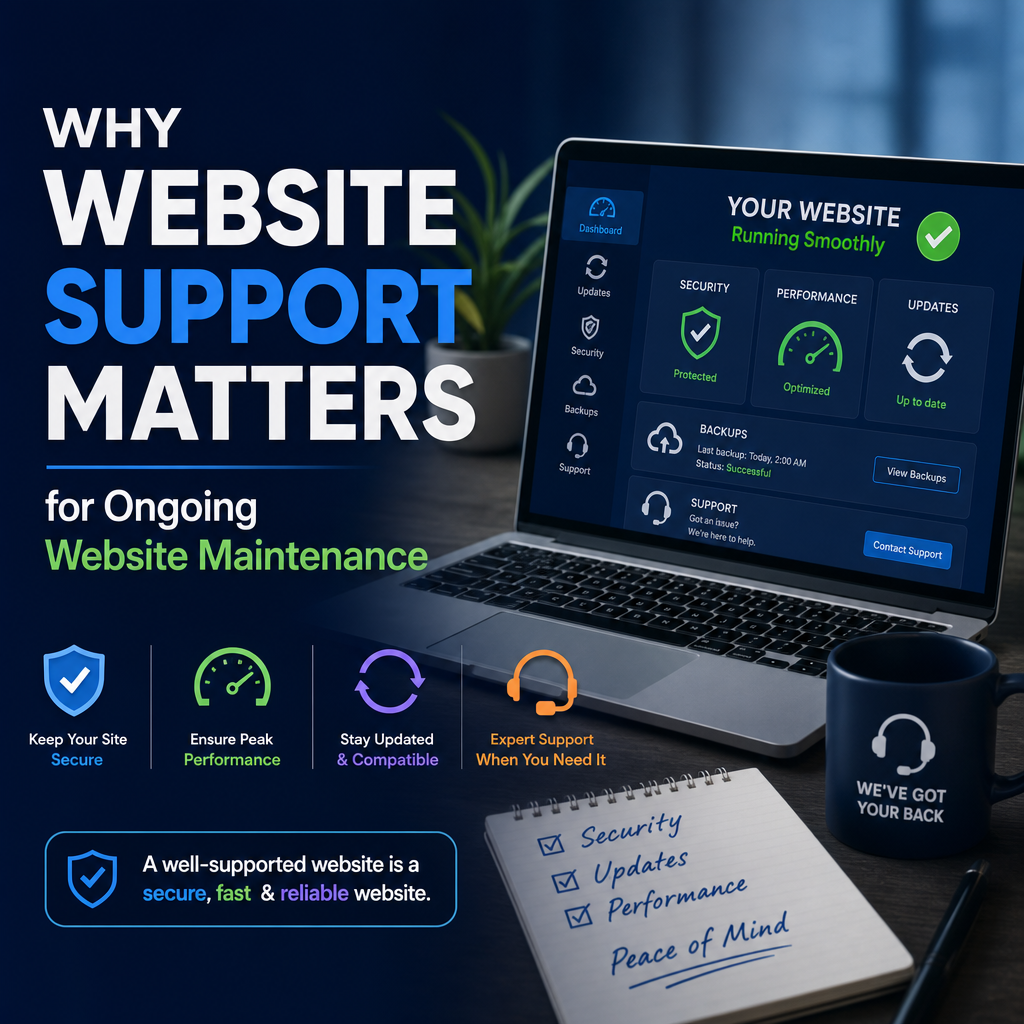
Why Website Maintenance Matters
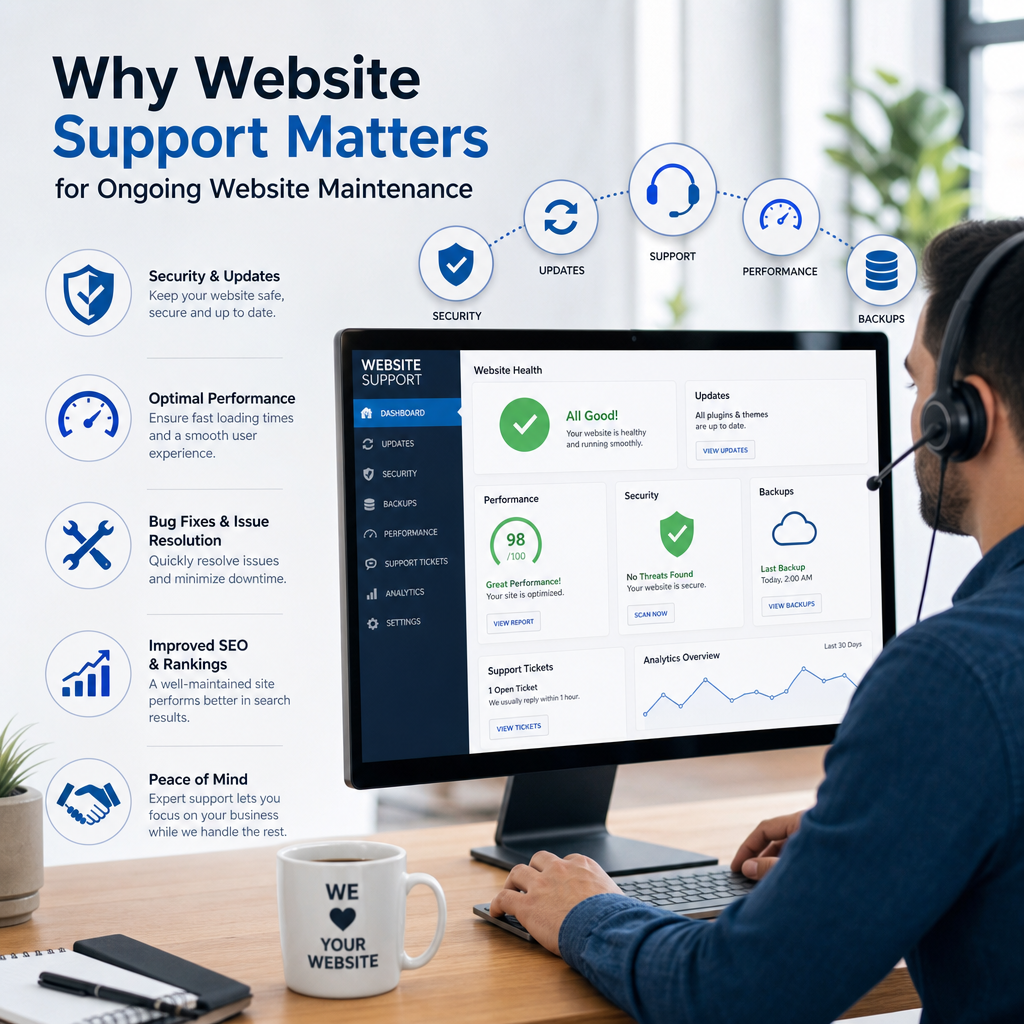
A website is never truly “finished.” It might look complete when it launches, but behind the scenes it needs regular care to stay secure, fast, and effective. Just like a car needs oil changes and inspections, a website needs ongoing maintenance to perform well over time.
Many business owners focus heavily on design and launch day, only to ignore the site afterward. That can lead to broken pages, slow load times, security problems, and lost customers. In a digital world where your website often creates the first impression, neglecting maintenance can cost far more than the time and money required to keep it updated.
Website maintenance is not just a technical task. It is a business strategy. It supports customer trust, search visibility, and long-term growth. In this article, we’ll look at why website maintenance matters, what it includes, and how regular website support can protect your investment.
What Website Maintenance Really Means
Website maintenance is the process of keeping a website updated, secure, functional, and optimized. It includes both technical tasks and content-related updates.
Common maintenance tasks include:
- Updating the website platform, themes, and plugins
- Fixing broken links and errors
- Backing up site files and databases
- Monitoring security threats
- Improving site speed and performance
- Updating content, images, and product information
- Checking forms, checkout systems, and other features
A well-maintained website works reliably for visitors and for the business behind it. Without maintenance, even a beautifully designed site can become outdated or unsafe.
First Impressions Depend on Website Health
When someone visits your site, they form an opinion within seconds. If your website loads slowly, shows outdated information, or has broken elements, visitors may assume the business itself is unprofessional or inactive.
For example, imagine a potential customer landing on your homepage and seeing:
- A copyright date from five years ago
- A contact form that does not submit
- A service page with outdated pricing
- A blog that hasn’t been updated in years
Even if your business is active and trustworthy, the website gives a different message. Poor maintenance can make people leave before they ever call, book, or buy.
A well-maintained website sends the opposite signal. It shows that the business is current, reliable, and attentive to detail. That helps build confidence right away.
Security Risks Grow When Websites Are Ignored
One of the biggest reasons website maintenance matters is security. Websites are common targets for hacking attempts, malware, spam, and data breaches. Older software, weak passwords, and unpatched vulnerabilities make attacks more likely.
If your site runs on a content management system like WordPress, regular updates are especially important. Core software, plugins, and themes are constantly improved to fix bugs and close security gaps. If those updates are delayed, your site can become an easy target.
A security issue can lead to serious problems:
- Lost customer trust
- Stolen data
- Website downtime
- Blacklisting by search engines or browsers
- Expensive recovery work
For businesses that collect leads, process payments, or store customer information, security is not optional. Reliable website support helps ensure updates, monitoring, and backups happen consistently, reducing the risk of disruption.
Maintenance Improves Website Speed and Performance
Visitors expect websites to load quickly. If a page takes too long to appear, many users will leave before they see your content. Search engines also consider page speed when ranking websites, so slow performance can affect visibility as well.
Website maintenance helps improve speed by:
- Removing unnecessary plugins or scripts
- Optimizing images
- Clearing old files and database clutter
- Updating code for better efficiency
- Monitoring hosting performance
Over time, websites naturally become bloated. Images may be too large, scripts may stack up, and plugins may conflict. These issues often go unnoticed until performance drops.
A slow website can hurt conversions in subtle ways. Even a one- or two-second delay may reduce form submissions or sales. Regular maintenance keeps things running smoothly so users can move through the site without frustration.
Search Visibility Depends on a Healthy Site
Search engine optimization does not stop after publishing a few pages. Search engines prefer websites that are secure, fast, mobile-friendly, and regularly updated. Maintenance supports all of these factors.
Here’s how website maintenance helps SEO:
- Fixes broken links that weaken user experience
- Keeps pages loading quickly
- Ensures mobile compatibility
- Updates content so it remains relevant
- Prevents downtime that can hurt indexing
- Improves technical structure through plugin and software updates
Search engines want to send users to sites that are trustworthy and useful. If your website has outdated content or technical errors, rankings can suffer.
Consider a local service business whose site still lists old service areas and outdated hours. Search engines may continue indexing that inaccurate information, which can create confusion for both users and crawlers. Regular maintenance keeps the site aligned with what the business actually offers.
Content Maintenance Keeps Information Accurate
Website maintenance is not only about technical fixes. Content also needs regular attention. Outdated content can confuse visitors and damage credibility.
Examples of content that should be reviewed regularly include:
- Business hours
- Contact details
- Pricing
- Service descriptions
- Staff bios
- Case studies
- Blog posts
- Policies and legal pages
This matters especially for businesses that change often. A restaurant with a new menu, a clinic with updated office hours, or an agency with new services all need the website to reflect those changes quickly.
Think about a visitor trying to contact a company using a phone number that no longer works. Even if the rest of the site looks good, that small issue can cause a lost opportunity. Consistent website support helps catch these details before they affect customers.
Backups Protect Your Business From Disaster
No matter how careful you are, things can go wrong. A plugin update may fail, a server may crash, or someone may accidentally delete important files. Backups are one of the most important parts of website maintenance because they allow you to restore your site if something breaks.
A solid backup process should include:
- Regular automatic backups
- Off-site storage
- Backup testing
- Database and file backups
- A clear restore process
Without backups, a problem that takes minutes to fix can become a major crisis. With backups, recovery is much faster and less stressful.
For example, a business that loses its entire site after a bad update can often restore it within hours if backups are in place. Without them, rebuilding pages, images, and settings may take days or even weeks.
Maintenance Supports Better User Experience
User experience, or UX, is about how easy and pleasant it is for people to use your website. Maintenance plays a direct role in this.
A well-maintained website:
- Loads quickly
- Displays correctly on mobile devices
- Has working navigation menus
- Includes forms that submit properly
- Shows no broken images or buttons
- Makes information easy to find
Poor user experience usually comes from neglected details. A contact form might stop working after an update. A menu may break on mobile. A plugin conflict might hide important content.
These issues can frustrate visitors and stop them from completing actions. That’s why website support is so valuable—it helps keep the experience smooth and dependable.
Maintenance Helps Your Website Grow With Your Business
As a business evolves, the website should evolve too. New services, team members, locations, or goals often require changes to the site structure and content. Maintenance makes that growth possible.
For instance, a small company may start with a simple five-page website. Later, it might add:
- A blog for education and SEO
- A booking system for appointments
- A store for online sales
- New landing pages for marketing campaigns
- A customer portal or resource center
Each new feature adds complexity. Without ongoing maintenance, that complexity can create more problems than value. Regular support helps ensure that new tools work together properly and continue to serve the business.
Common Problems Caused by Neglect
Neglected websites often show a pattern of avoidable issues. Some of the most common include:
Broken Links and Missing Pages
Links change over time. Pages get removed, URLs get updated, and resources move. If no one checks for broken links, users may land on error pages and leave.
Outdated Plugins and Themes
Old software can create compatibility issues or security holes. It may also prevent the site from working correctly after updates.
Spam and Bot Abuse
Forms, comment sections, and login pages are common spam targets. Without maintenance, your site can become cluttered or exposed.
Mobile Display Problems
As browsers and devices change, layouts can stop working properly. A site that looked fine last year may now have spacing or usability problems on phones and tablets.
Slow Loading Times
Heavy images, outdated code, and plugin overload can drag performance down. Visitors are unlikely to wait.
Each of these problems can be avoided or reduced with routine maintenance and dependable website support.
How Often Should a Website Be Maintained?
The right maintenance schedule depends on the size and complexity of the site, but most websites benefit from regular checks.
A simple maintenance routine may include:
- Weekly: Security scans, backups, update checks
- Monthly: Plugin/theme updates, broken link checks, performance reviews
- Quarterly: Content review, design review, SEO audit
- Annually: Full site audit, strategy review, major revisions
Some high-traffic or ecommerce websites need more frequent attention because even small issues can affect revenue quickly. The key is consistency. Maintenance works best when it is part of a routine rather than something done only after a problem appears.
DIY vs Professional Website Support
Some website owners handle maintenance themselves, while others work with a professional provider. Both approaches can work, depending on time, technical skill, and business needs.
DIY Maintenance
Doing it yourself may be practical for very small websites. It gives you full control and can save money upfront. However, it also requires time, discipline, and comfort with technical tasks.
Professional Website Support
Professional website support is often a better option for businesses that depend on their site for leads, sales, or customer service. A support provider can handle updates, monitor security, resolve issues faster, and keep maintenance consistent.
This is especially useful if:
- You do not have time for technical work
- Your site has multiple integrations
- You run ecommerce or membership features
- Website downtime would seriously affect your business
Professional support can also provide peace of mind. Instead of reacting to problems after they happen, you have someone actively watching for them.
Maintenance Is an Investment, Not an Expense
It’s easy to see maintenance as an extra cost, especially when the website seems to be working fine. But in reality, maintenance is an investment that helps avoid bigger costs later.
Without maintenance, a business may face:
- Emergency repair fees
- Lost sales from downtime
- Security cleanup costs
- Lower search rankings
- Damaged credibility
- Time spent fixing preventable issues
Compared to those risks, regular maintenance is usually far less expensive. It protects the work already invested in design, content, SEO, and branding.
Conclusion
Website maintenance matters because a website is a living business tool, not a one-time project. It needs regular updates, security checks, backups, performance improvements, and content reviews to stay effective.
A maintained site builds trust, supports SEO, improves user experience, and protects your business from costly problems. Whether you manage it yourself or use professional website support, the goal is the same: keep your website secure, current, and ready to serve your visitors.
If your website represents your business, then maintaining it is part of running the business well.
