
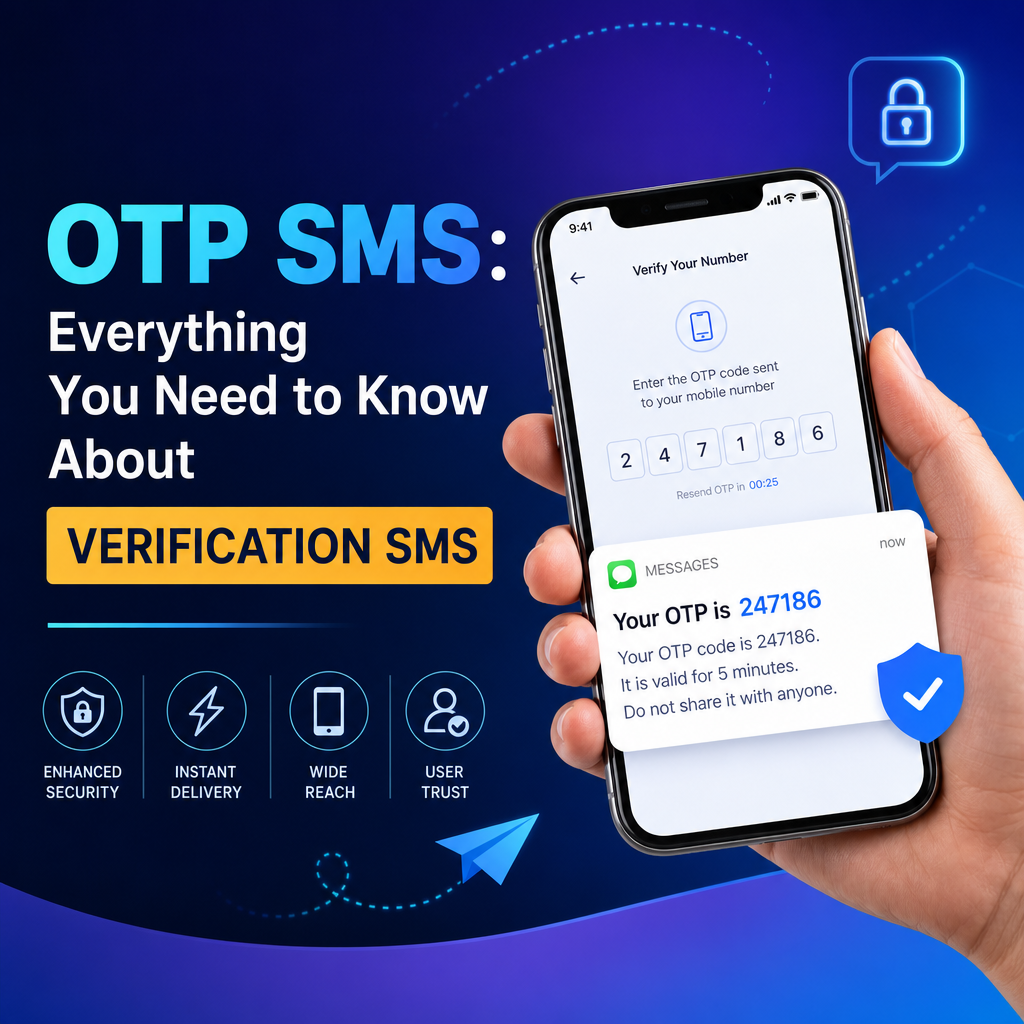
OTP SMS: Everything You Need to Know
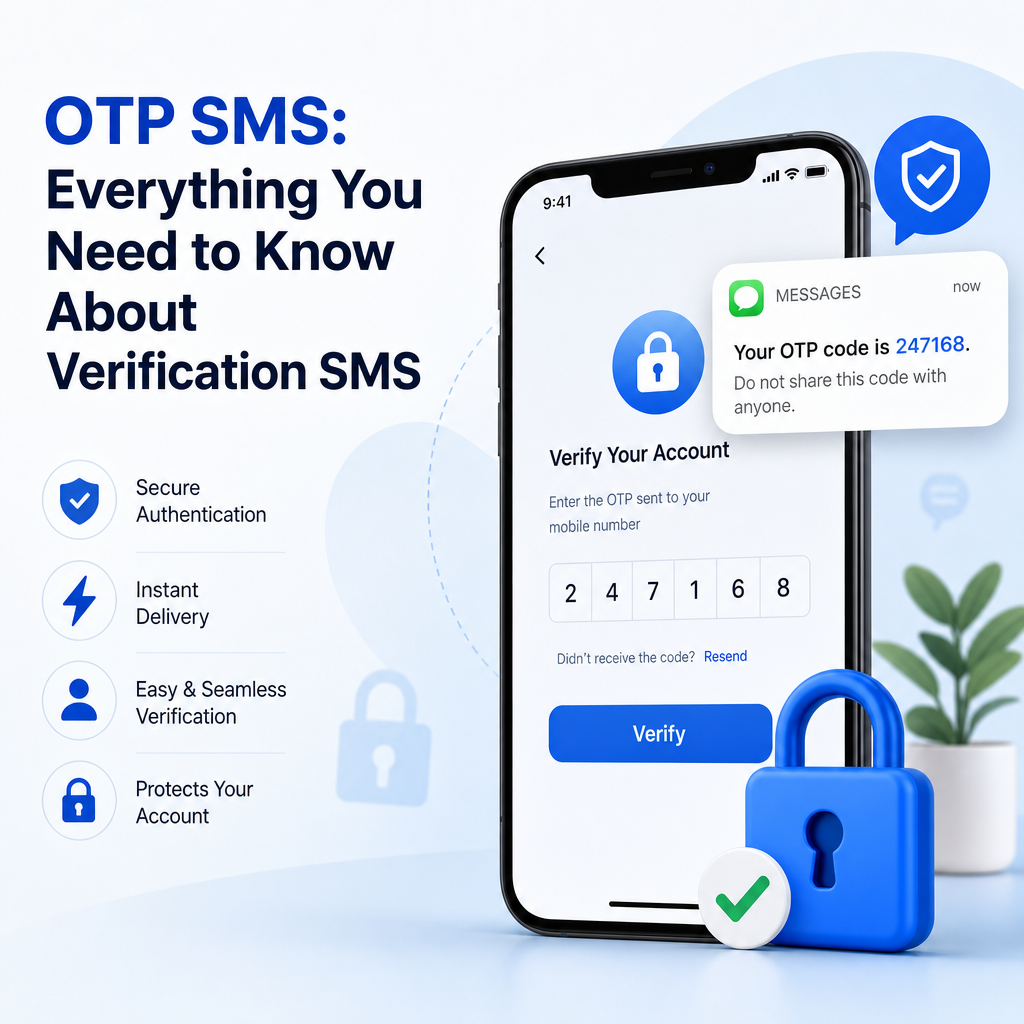
If you have ever logged into a banking app, reset a password, or confirmed an online purchase, you have likely encountered an OTP SMS. These short, time-sensitive messages are one of the most common ways businesses verify user identity and protect accounts. In a digital world where fraud, account takeover, and spam attacks are constant concerns, verification SMS plays a major role in securing user interactions.
But what exactly is an OTP SMS? Why do so many businesses rely on it? And how can it be used effectively without frustrating customers? This guide breaks down the essentials in simple terms.
What Is an OTP SMS?
OTP stands for One-Time Password. An OTP SMS is a text message sent to a user containing a temporary code, usually made up of 4 to 8 digits, which is valid for a short period of time. The user enters that code into a website or app to confirm their identity.
For example, when you try to sign in to your email account from a new device, you may receive a message like:
“Your verification code is 482913. Do not share this code with anyone.”
That code is the OTP. It can only be used once and often expires within a few minutes.
Why OTP SMS Matters
OTP SMS adds an extra layer of protection beyond just a password. Even if someone knows your password, they still need access to your phone to complete the verification process. This makes it a powerful tool for:
- Account login verification
- Password resets
- Transaction confirmation
- New device authentication
- User sign-up validation
How OTP SMS Works
The process behind OTP SMS is simple from the user’s point of view, but it involves several steps behind the scenes.
Step-by-Step Flow
-
User requests access or action
The user tries to log in, reset a password, or complete an action that requires identity verification. -
System generates a code
The platform creates a random, unique OTP tied to that user or session. -
OTP is sent via SMS
A verification SMS is delivered to the user’s registered mobile number. -
User enters the code
The code is entered into the app or website. -
System validates the OTP
If the code is correct and still valid, access is granted or the action is approved. -
Code expires or becomes invalid
The OTP can no longer be used after one successful attempt or once the time limit runs out.
Example in Real Life
Imagine you are shopping online and want to confirm a payment. After entering your card details, the payment gateway sends an OTP SMS to your phone. You enter the code, and the transaction is approved. Without the correct code, the payment does not go through.
This simple process helps prevent unauthorized purchases and reduces fraud.
Common Uses of Verification SMS
Businesses use verification SMS in many parts of the customer journey. It is not limited to login forms or banking apps.
1. Sign-Up Verification
Many apps ask users to verify their mobile number during registration. This helps confirm that the phone number is real and that the user is reachable.
2. Login Authentication
Instead of relying only on a password, platforms may send an OTP SMS during sign-in. This is common for online banking, email services, social platforms, and e-commerce accounts.
3. Password Recovery
When someone forgets a password, the system can send a verification SMS to confirm identity before allowing a reset.
4. Payment Confirmation
For online payments or transfers, an OTP adds a security checkpoint before money moves.
5. Two-Factor Authentication
OTP SMS is often used as the second factor in two-factor authentication (2FA), where the user must provide both something they know (password) and something they have (phone).
6. Sensitive Account Changes
If a user changes an email address, adds a new device, or updates security settings, a verification SMS can help ensure the request is legitimate.
Why Businesses Use OTP SMS
OTP SMS remains popular because it strikes a balance between convenience and security. It does not require users to download an extra app or learn a complicated process. They simply receive a text message and type in the code.
Key Benefits
1. Easy to Use
Most people know how to read and respond to text messages. There is no learning curve.
2. Widely Accessible
Nearly every mobile phone supports SMS, including basic phones without internet access.
3. Fast Delivery
OTP SMS is usually delivered within seconds, making it suitable for real-time verification.
4. Improves Security
It makes it harder for attackers to access accounts using stolen passwords alone.
5. Builds User Trust
Customers often feel more confident when a business uses an extra verification step to protect their account.
Challenges of OTP SMS
Although OTP SMS is useful, it is not perfect. Businesses should understand its limitations before relying on it as the only security method.
Delivery Delays
Sometimes SMS messages are delayed by carrier issues, network congestion, or international routing problems. Even a short delay can frustrate users.
SIM Swap and Phone Theft Risks
If a criminal gains control of a user’s phone number through SIM swapping or steals the device, they may receive the OTP SMS themselves.
Dependence on Mobile Signal
Users in areas with poor reception may struggle to receive verification SMS messages quickly.
Message Interception
While SMS is more secure than no verification at all, it is not the most secure channel available. Sophisticated attackers may find ways to intercept messages.
User Fatigue
If users receive too many OTP prompts, they may become annoyed and abandon the process. Too much friction can hurt conversions.
Best Practices for Sending OTP SMS
To make verification SMS effective, businesses need to design the experience carefully. A secure system should also be smooth and user-friendly.
Keep the Code Short and Time-Limited
Most OTPs are 4 to 8 digits long and expire within 5 to 10 minutes. Short validity periods reduce the chance of misuse.
Make the Message Clear
The SMS should say exactly what the code is for. For example:
“Your OTP code for signing in is 739284. It expires in 5 minutes.”
This helps users understand whether the message is legitimate.
Do Not Include Sensitive Information
Never send passwords, card details, or personal data in a verification SMS. The message should contain only the code and essential instructions.
Add a Resend Option
Users sometimes miss or delay receiving the code. A resend button should be available, but with limits to prevent abuse.
Use Rate Limiting
Too many OTP requests in a short time can indicate fraud or automation abuse. Rate limits help protect the system from spam and brute-force attacks.
Monitor for Fraud Patterns
Businesses should track suspicious behavior such as repeated failed OTP attempts, unusual location changes, or requests from the same IP address.
Support Multiple Languages if Needed
If your users are spread across different regions, the verification SMS should be easy to understand in the local language.
OTP SMS vs Other Verification Methods
OTP SMS is not the only verification method available. Depending on the use case, other options may be better or used alongside SMS.
Email Verification
Email OTPs are common for lower-risk actions like account sign-up. They are convenient, but email access may not be as immediate as SMS.
Authenticator Apps
Apps like Google Authenticator or Microsoft Authenticator generate time-based codes on the device. These are generally more secure than SMS because they are less vulnerable to phone number hijacking.
Push Notifications
Some apps send a push approval request to the user’s device. This is fast and easy, but it requires the user to have the app installed.
Biometric Authentication
Fingerprint or facial recognition can be used for quick verification on supported devices. This is convenient but usually works best in combination with another factor.
Where OTP SMS Fits Best
OTP SMS is especially useful when:
- Users do not have an authenticator app installed
- Fast and simple verification is needed
- Access should work on any mobile phone
- The business wants a low-friction security step
Security Considerations for OTP SMS
Because OTP SMS is so common, it is also a target for abuse. Businesses should treat it as part of a broader security strategy rather than a complete solution.
Use OTP SMS as One Layer
For high-risk systems, combine SMS verification with other protections such as:
- Strong passwords
- Device recognition
- Behavioral analytics
- Account recovery safeguards
- Multi-factor authentication options
Protect Against Brute Force Attacks
Systems should limit the number of incorrect OTP attempts. Without limits, attackers could try to guess the code.
Secure the Backend
The process that generates, stores, and validates OTPs must be protected with encryption, secure session handling, and strict access controls.
Validate Number Ownership Carefully
Before sending verification SMS, ensure the number belongs to the user and has been entered correctly.
Be Cautious with Account Recovery
Password recovery is often a weak point. If an attacker can trigger OTP delivery to a compromised number, they may gain access to the account.
OTP SMS in Customer Experience
Security is important, but so is user experience. If the OTP process is confusing, users may abandon sign-up or fail to complete payments.
Reduce Friction
A good OTP flow should be simple:
- Enter phone number
- Receive code
- Type code
- Continue
Avoid unnecessary steps or long waiting periods.
Provide Helpful Error Messages
If the OTP is wrong or expired, let users know what happened and what to do next. A vague “invalid code” message is not enough.
Make the Design Mobile-Friendly
Since the code is sent to a phone, the verification screen should work well on mobile devices. Large input fields and auto-read support can help.
Use Autofill When Possible
Some devices can detect OTP SMS messages and suggest autofill. This reduces typing errors and speeds up verification.
When OTP SMS Is the Right Choice
OTP SMS works well in many situations, especially when simplicity and broad compatibility matter.
It is a strong option if you need:
- Quick user verification
- A familiar process for users
- Support for users without app-based authentication
- A practical layer of account security
However, for extremely sensitive systems, SMS should usually be combined with stronger methods.
Future of OTP SMS
As digital security continues to evolve, OTP SMS will likely remain common, but it may become part of a broader verification system rather than the primary method on its own.
Many businesses are moving toward:
- App-based authentication
- Passkeys
- Biometrics
- Risk-based verification
- Adaptive security workflows
Even so, verification SMS is still valuable because of its simplicity and universal reach. For many users, it remains the fastest and most accessible way to confirm identity.
Conclusion
OTP SMS is a simple but effective tool for verifying users and protecting digital accounts. By sending a temporary code through a verification SMS, businesses can reduce fraud, support secure logins, and improve trust. While it has limitations, especially compared with more advanced authentication methods, it remains one of the most widely used security tools because it is fast, familiar, and easy to implement.
For best results, businesses should use OTP SMS thoughtfully: keep codes short, messages clear, and security controls strong. When combined with good UX and smart safeguards, OTP SMS can make digital interactions both safer and smoother.
