
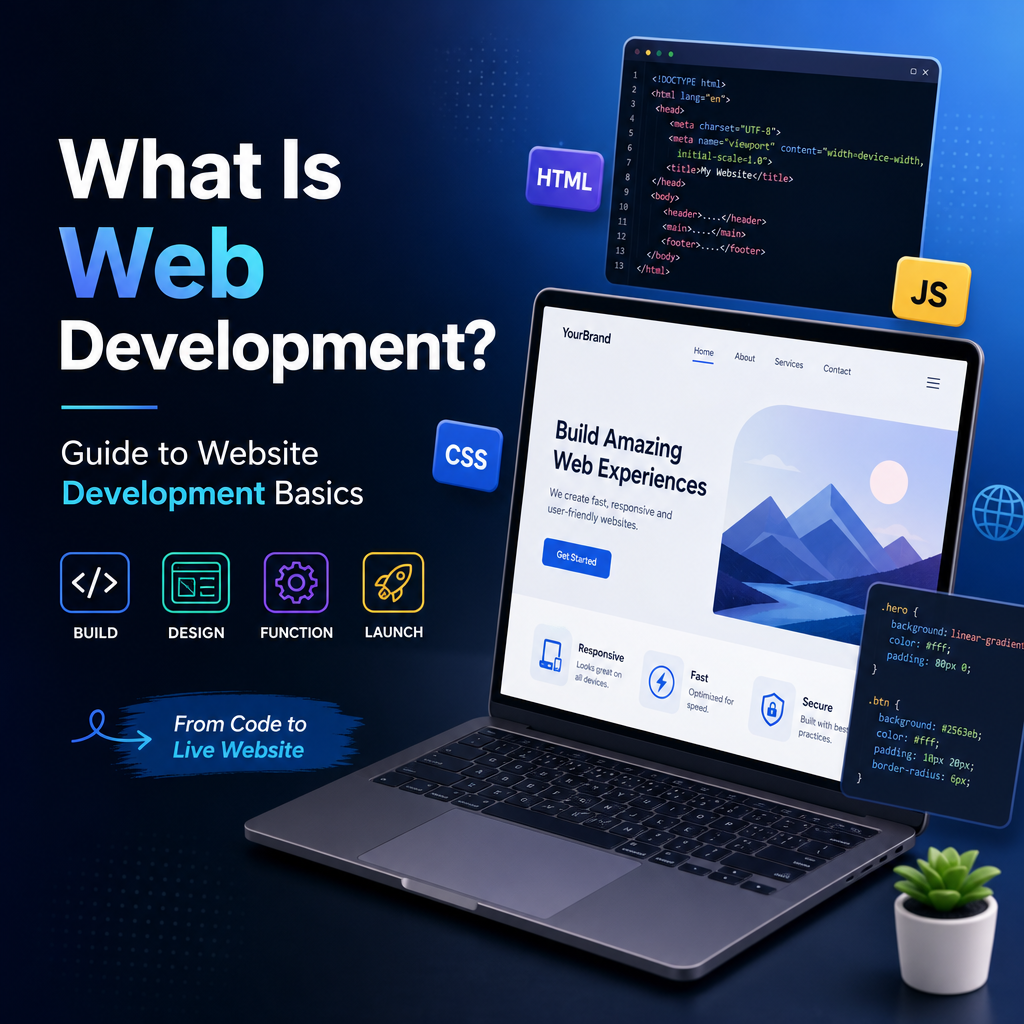
What Is Web Development?
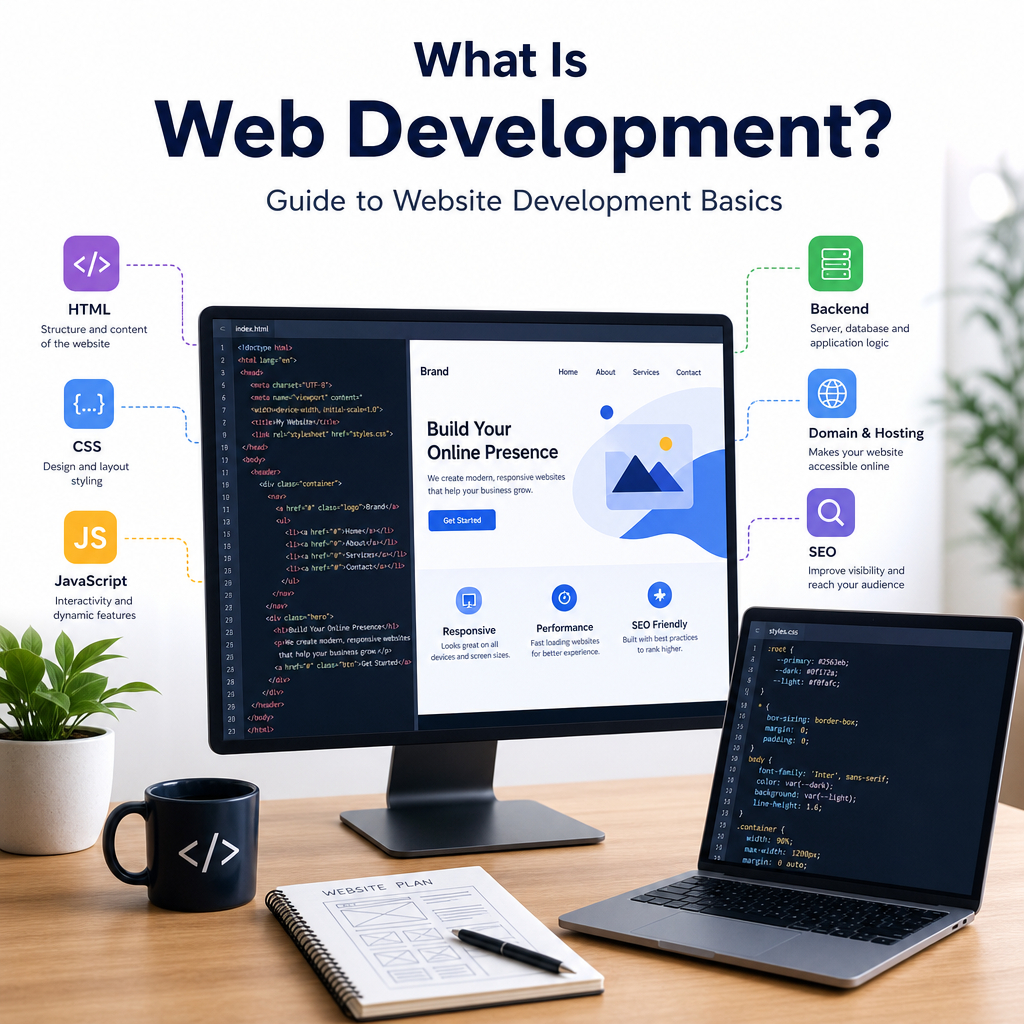
Web development is the process of building, maintaining, and improving websites and web applications that run in a browser. It includes everything from creating a simple personal blog to developing large-scale platforms like online stores, social networks, and business dashboards. When people talk about web development, they are usually referring to the technical work that makes a website function properly, look appealing, and respond smoothly to user actions.
In simple terms, website development is what turns an idea into a working site on the internet. It combines design, coding, content, and performance optimization to create a digital experience that users can access from phones, tablets, laptops, and desktops.
Why Web Development Matters
Almost every business, organization, and creator needs some kind of web presence today. A website is often the first place people go to learn about a company, compare products, read reviews, or contact a service provider. That makes web development an essential part of modern communication and commerce.
A well-developed website can:
- Build trust with visitors
- Increase sales and leads
- Improve customer support
- Strengthen brand identity
- Make information easy to access
For example, a restaurant website might let customers browse the menu, reserve a table, and place online orders. A school website might provide class schedules, announcements, and admission forms. A nonprofit might use its website to share stories, collect donations, and recruit volunteers.
Without proper web development, a website may load slowly, break on mobile devices, or be difficult to use. That can frustrate visitors and reduce engagement.
The Main Areas of Web Development
Web development is usually divided into three major areas: front-end development, back-end development, and full-stack development. Each plays a different role in how a website works.
Front-End Development
Front-end development focuses on the part of the website that users see and interact with directly. This includes the layout, colors, typography, buttons, images, menus, forms, and animations.
Front-end developers use tools and languages such as:
- HTML for structure
- CSS for styling
- JavaScript for interactive features
For example, when you click a dropdown menu, scroll through an image slider, or submit a contact form, front-end code is helping make that happen.
Good front-end development is important because it affects usability and first impressions. If a website looks outdated, is hard to navigate, or doesn’t work well on mobile, users may leave quickly.
Back-End Development
Back-end development handles the parts of a website that happen behind the scenes. This includes servers, databases, security, user authentication, and application logic.
Back-end developers often work with technologies such as:
- PHP
- Python
- Ruby
- Java
- Node.js
- Databases like MySQL, PostgreSQL, or MongoDB
For example, when a user creates an account, logs in, saves a shopping cart, or searches for products, the back-end processes those actions and stores the information securely.
A website may look simple on the surface, but the back-end can be quite complex. It ensures data is managed correctly and that the site functions reliably.
Full-Stack Development
Full-stack developers work on both the front end and back end. They understand how the entire website works from the visible interface to the server and database layers.
This makes them especially valuable on smaller teams or in startups where one person may need to handle multiple tasks. A full-stack developer might design a page layout, build the form logic, connect it to a database, and test the final result.
What Does a Web Developer Do?
A web developer is a person who builds and maintains websites. Depending on their role, they may focus on visual design, server logic, performance, security, or all of the above.
Common responsibilities include:
- Writing code for website features
- Making sure pages are responsive on different devices
- Connecting websites to databases and APIs
- Fixing bugs and technical issues
- Improving speed and performance
- Ensuring security and data protection
- Updating content or functionality over time
For example, if an online store has a broken checkout button, a web developer may investigate the code, find the problem, and fix it so customers can complete purchases. If a website is too slow to load, the developer may compress images, clean up code, or improve server performance.
Web Development vs. Website Design
People often confuse web development with website design, but they are not exactly the same.
Website design focuses on how a site looks and how users experience it visually. This includes color schemes, spacing, graphics, and overall layout.
Web development focuses on how the site functions. It involves coding, databases, interactivity, and system behavior.
The two work closely together. A designer may create a mockup of a homepage, and a developer then turns that design into a functioning webpage.
Example
Imagine a company wants a landing page for a new product:
- A designer creates the visual concept, choosing fonts, images, and layout.
- A front-end developer builds the page using HTML, CSS, and JavaScript.
- A back-end developer connects the contact form to a database or email system.
Together, these roles produce a polished and functional final product.
Types of Websites Built Through Web Development
Web development covers a wide range of site types, each with different goals and levels of complexity.
Static Websites
A static website displays fixed content that does not change often. These are usually simple sites with a few pages, such as an about page, services page, and contact page.
Static websites are often used for:
- Personal portfolios
- Small business websites
- Event landing pages
- Brochure-style sites
They are generally easier and faster to build.
Dynamic Websites
Dynamic websites generate content based on user interaction, database information, or real-time updates. These are more complex and interactive than static sites.
Examples include:
- Social media platforms
- E-commerce stores
- News websites
- Membership portals
A dynamic website might show different content depending on whether the user is logged in, what products they searched for, or what location they are browsing from.
Web Applications
Web applications are websites that behave more like software programs. They let users perform tasks such as editing documents, managing projects, tracking finances, or collaborating in real time.
Examples include:
- Gmail
- Google Docs
- Trello
- Online banking dashboards
These platforms often require advanced web development because they involve user accounts, data storage, live updates, and strong security.
The Web Development Process
Building a website usually involves several stages. While every project is different, most follow a similar general process.
1. Planning
The first step is defining the website’s purpose, audience, and goals. Questions might include:
- What problem does the website solve?
- Who will use it?
- What features are needed?
- What content will it include?
For example, an online clothing store needs product pages, a shopping cart, checkout, and customer accounts. A nonprofit site may need donation forms, event pages, and volunteer sign-up options.
2. Design
Next comes the design stage. This may involve wireframes, mockups, and visual concepts that show how the site will look and feel.
At this stage, teams decide on:
- Page structure
- Navigation menus
- Button placement
- Mobile responsiveness
- Brand colors and typography
3. Development
This is where coding begins. Developers build the front-end and back-end features based on the approved design and requirements.
They may create:
- Page layouts
- Interactive elements
- Login systems
- Database connections
- Content management tools
4. Testing
Before launch, the website must be tested to catch bugs and usability issues. Testing may include checking:
- Browser compatibility
- Mobile responsiveness
- Form validation
- Load speed
- Security vulnerabilities
A site should work across major browsers like Chrome, Firefox, Safari, and Edge.
5. Launch
Once everything is ready, the site is published to a live server and made available to the public. But launch is not the end of web development.
6. Maintenance
Websites need regular updates to stay secure, functional, and relevant. Maintenance tasks may include:
- Updating plugins or frameworks
- Fixing broken links
- Adding new pages or features
- Backing up data
- Monitoring performance
Important Web Development Skills
Web development requires a mix of technical and problem-solving skills. Some are essential for beginners, while others are developed over time through practice.
Technical Skills
Key technical skills include:
- HTML, CSS, and JavaScript
- Responsive design
- Version control with Git
- Working with APIs
- Database management
- Debugging and testing
- Understanding security basics
Soft Skills
Web developers also need soft skills such as:
- Communication
- Time management
- Attention to detail
- Creativity
- Collaboration
- Adaptability
These skills matter because developers often work with designers, marketers, content creators, and clients. Clear communication helps teams build better websites more efficiently.
Tools and Technologies in Web Development
The web development industry changes quickly, and developers use a wide variety of tools to build modern websites.
Some common tools include:
- Code editors like Visual Studio Code
- Frameworks like React, Vue, or Angular for front-end work
- Back-end frameworks like Laravel, Django, or Express
- CMS platforms like WordPress
- Design tools like Figma
- Testing tools for debugging and performance analysis
For example, a small business might use WordPress for its website development because it allows easy content updates without writing everything from scratch. A larger company might use custom code and frameworks to build more advanced functionality.
Why Responsive Design Is So Important
Today, users visit websites from many different devices. A website that looks good on a desktop computer may be difficult to use on a phone if it is not designed responsively.
Responsive web development ensures that a site automatically adjusts to different screen sizes. This improves accessibility, user satisfaction, and search visibility.
Responsive design often includes:
- Flexible layouts
- Scalable images
- Mobile-friendly navigation
- Readable text sizes
- Touch-friendly buttons
For example, on a desktop, a menu might appear across the top of the page, while on mobile it may collapse into a hamburger icon. The goal is to keep the experience smooth and intuitive regardless of device.
Web Development and SEO
Search engine optimization, or SEO, is also closely connected to web development. A website that is poorly built may be difficult for search engines to crawl and index.
Good web development supports SEO by:
- Using clean code
- Structuring content properly with headings
- Improving page speed
- Making the site mobile-friendly
- Adding metadata
- Ensuring secure connections with HTTPS
For example, if a website loads slowly or has broken links, search engines may rank it lower. That means fewer people may find it through search.
The Future of Web Development
Web development continues to evolve as new technologies and user expectations change. Faster frameworks, better automation, AI tools, and improved browser capabilities are shaping how websites are built.
Some current trends include:
- Progressive web apps
- No-code and low-code platforms
- Headless CMS solutions
- Better accessibility standards
- AI-assisted development tools
Even with these changes, the core purpose of web development remains the same: to create useful, reliable, and engaging digital experiences.
Conclusion
Web development is the foundation of the modern internet. It brings together design, coding, functionality, and performance to create websites and web applications that people use every day. Whether it is a simple business site or a complex online platform, website development plays a vital role in how information is shared and how services are delivered online.
Understanding web development helps you appreciate what happens behind the scenes every time you click a link, submit a form, or make an online purchase. As the web continues to grow, skilled developers will remain essential in building the digital experiences that shape daily life.
