
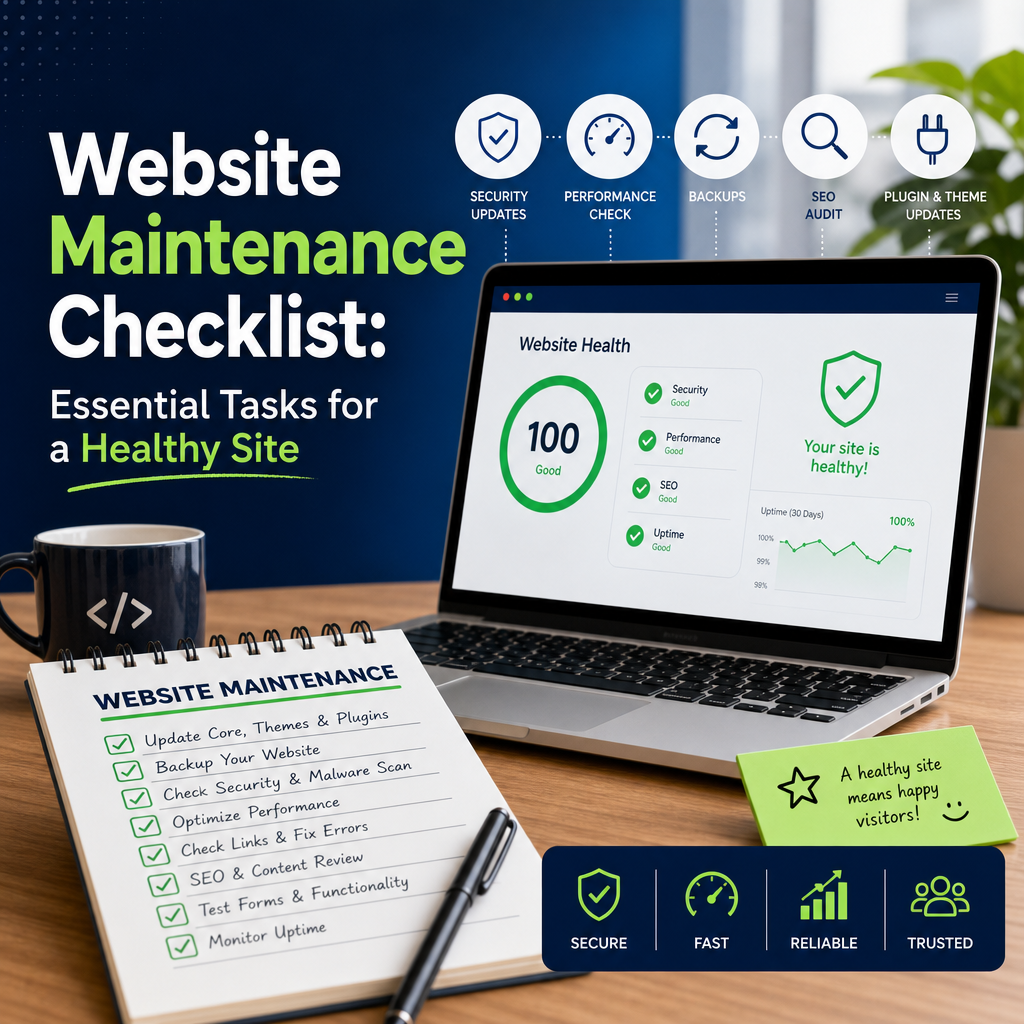
Website Maintenance Checklist: Keep Your Site Fast, Secure, and Reliable
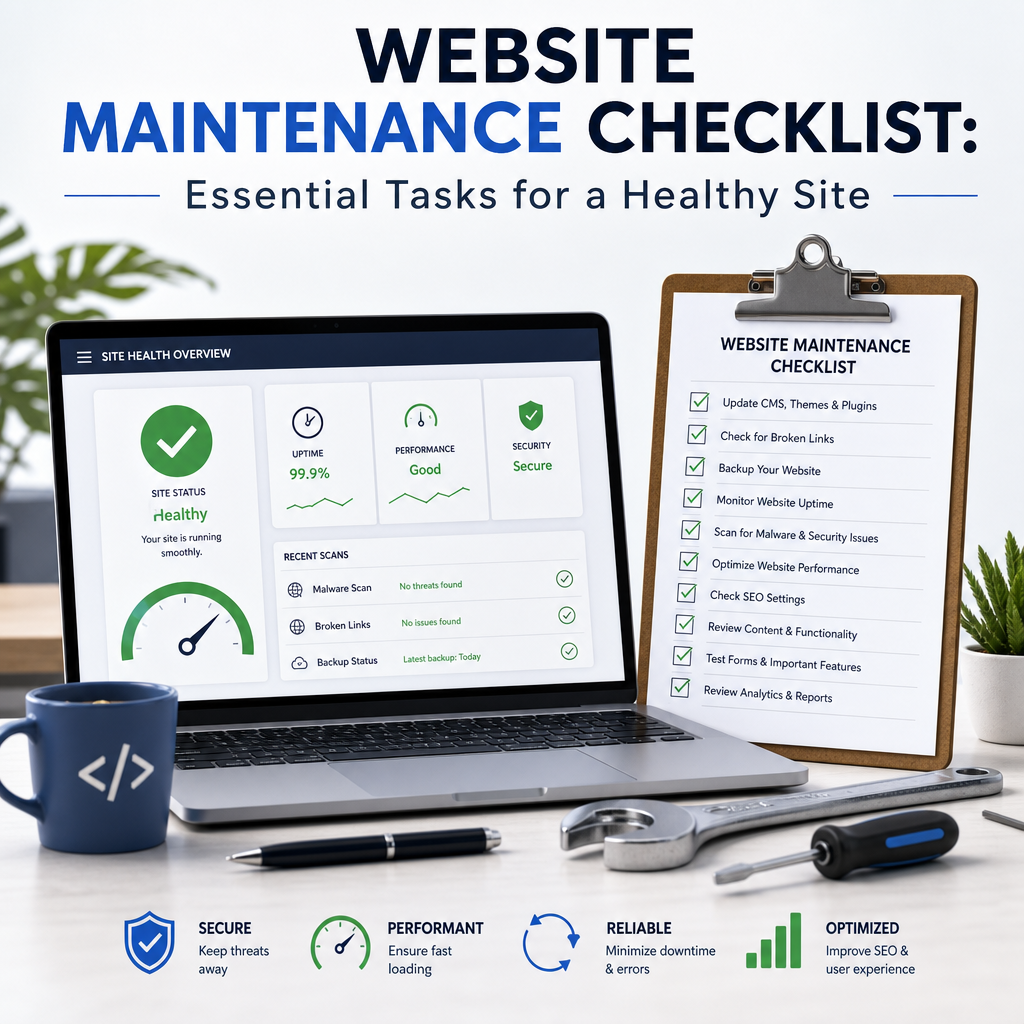
A website is not a “set it and forget it” asset. Even the best-designed site needs regular care to stay secure, perform well, and deliver a good experience to visitors. Without ongoing attention, small issues can turn into broken pages, slow load times, security vulnerabilities, and lost search rankings.
That is why a practical website maintenance checklist matters. It helps you stay organized, catch problems early, and keep your site working the way it should. Whether you manage a business website, blog, or online store, regular maintenance protects your investment and supports long-term growth.
Below is a clear, easy-to-follow checklist you can use weekly, monthly, quarterly, and annually.
Why Website Maintenance Matters
Many site owners only think about maintenance when something goes wrong. But routine website maintenance prevents many common problems before they start.
Here’s what regular maintenance helps with:
- Security: Updates and monitoring reduce the risk of hacks and malware.
- Performance: Optimized databases, images, and code improve speed.
- User experience: Broken links and outdated content can frustrate visitors.
- SEO: Search engines favor sites that are fast, safe, and current.
- Reliability: Regular checks reduce downtime and technical errors.
For example, an outdated plugin on a WordPress site can create a security hole. A slow checkout page on an ecommerce site can lower conversions. A broken contact form can cause missed leads. Maintenance helps avoid all of these issues.
Weekly Website Maintenance Tasks
Weekly tasks are meant to catch urgent problems quickly. They do not need to take long, but they are important for keeping your site healthy.
1. Check for Broken Pages and Links
Broken links and missing pages create a poor user experience and can hurt SEO. Use a link checker or manually review important pages, especially:
- Navigation menus
- Footer links
- Contact pages
- Blog posts with external references
- Product or service pages
If you find a broken link, update it, remove it, or redirect it to the correct destination.
2. Test Key Forms
Forms are one of the most important parts of many websites. Check:
- Contact forms
- Quote request forms
- Newsletter signups
- Checkout or order forms
- Password reset forms
Submit a test entry to make sure the form is working and that notifications are being delivered correctly. If leads are not reaching your inbox, you could be missing business opportunities.
3. Review Security Alerts
Look for warnings from your hosting provider, security plugin, or CMS dashboard. Pay attention to:
- Unauthorized login attempts
- Malware scans
- Plugin or theme vulnerability alerts
- Suspicious user activity
Catching a security issue early can prevent bigger damage. Good website maintenance includes active monitoring, not just occasional updates.
4. Back Up Recent Changes
If you have added new content, changed design elements, or updated plugins, make sure a backup has been completed. Backups are your safety net if anything breaks.
At a minimum, confirm that:
- Backup files are being created
- Backups include both website files and the database
- The backup can be restored if needed
Monthly Website Maintenance Tasks
Monthly tasks usually focus on optimization, updates, and deeper site checks. These steps help your website stay efficient and up to date.
1. Update Core Software, Themes, and Plugins
If you use WordPress or another CMS, regular updates are essential. Update:
- Core platform software
- Themes
- Plugins or extensions
- E-commerce tools
- Security and backup plugins
Before updating, back up your site in case something conflicts or breaks. Test major updates on a staging site if possible.
Example: A plugin update may fix a security issue but also affect how your contact form displays. Testing helps you avoid surprises on the live site.
2. Review Website Speed
Page speed is a major part of user experience and SEO. Each month, check how your site performs using tools like Google PageSpeed Insights or GTmetrix. Look for problems such as:
- Large images
- Too many scripts
- Unused plugins
- Excessive redirects
- Slow server response times
If your pages load slowly, visitors may leave before they even see your content. Speed is a key part of effective website maintenance.
3. Optimize Images and Media
Large image files can make your site sluggish. Review recent uploads and compress them when possible. Also:
- Use properly sized images
- Convert images to modern formats where appropriate
- Add descriptive alt text
- Remove unused media files
For example, a homepage banner image that is 5 MB may look great in design software but can seriously slow a page. Compressing it can improve performance without noticeably reducing quality.
4. Check for 404 Errors
A 404 error means a page no longer exists at the requested URL. These errors can happen when pages are deleted, URLs change, or links are mistyped.
Monthly, review your 404 logs and fix issues by:
- Updating internal links
- Setting up redirects
- Restoring important pages
- Correcting broken external references
Too many 404s can signal a messy site structure and create frustration for visitors.
5. Review Analytics
Website analytics help you understand how users interact with your site. Each month, review:
- Traffic trends
- Top-performing pages
- Bounce rate
- Conversion goals
- Traffic sources
- Mobile vs. desktop usage
This data can reveal what is working and what needs attention. For example, if a high-traffic service page has a low conversion rate, you may need to improve the call to action or simplify the form.
6. Confirm SEO Basics
A monthly SEO check helps ensure your site is visible and well-structured. Review:
- Title tags and meta descriptions
- Heading structure
- Internal links
- Indexing status
- XML sitemap
- Canonical tags where applicable
Also check that new content is aligned with your keyword strategy. Regular SEO review is an important part of website maintenance because technical problems can quietly reduce search visibility over time.
Quarterly Website Maintenance Tasks
Quarterly tasks are more strategic. They help you evaluate the overall condition of your website and make improvements beyond routine fixes.
1. Audit Content
Content can become outdated faster than many people expect. Review your pages and posts for:
- Old statistics
- Broken screenshots
- Outdated references
- Deleted products or services
- Thin or duplicate content
Decide whether each page should be updated, combined with another page, redirected, or removed. For example, a blog post from two years ago may still attract traffic, but it might need new data and examples to remain relevant.
2. Test Website Navigation
Your menu structure should make sense to visitors. Check that important pages are easy to find and that mobile navigation works well. Ask:
- Can users get to key pages in one or two clicks?
- Are menu labels clear?
- Are there too many items in the main navigation?
- Does the mobile menu work smoothly?
Navigation problems can reduce engagement, even if your content is strong.
3. Review User Experience on Mobile
More visitors now browse on phones than ever before. Quarterly, check how your site looks and functions on mobile devices. Look at:
- Text readability
- Button spacing
- Form usability
- Image scaling
- Pop-up behavior
- Page layout consistency
A button that is easy to click on desktop may be hard to tap on mobile. Testing across devices helps ensure a smooth experience for all users.
4. Check Hosting and Domain Details
Make sure your hosting and domain setup is still in good shape. Review:
- Domain expiration date
- SSL certificate status
- Hosting plan limits
- Storage usage
- Bandwidth usage
- Renewal settings
A missed renewal or expired certificate can cause downtime or browser warnings. These are avoidable problems with regular website maintenance.
5. Reassess Security Settings
Quarterly security reviews should go beyond basic scans. Check:
- User roles and permissions
- Two-factor authentication settings
- Password policies
- Admin account access
- Login attempt limits
- Firewall configuration
If staff members have changed or contractors no longer need access, remove old accounts immediately. Limiting access is one of the simplest ways to reduce risk.
Annual Website Maintenance Tasks
Annual tasks are deeper reviews that help you plan for growth and long-term improvements.
1. Conduct a Full Website Audit
A yearly audit gives you a big-picture view of your site. Review:
- Design consistency
- Content quality
- SEO performance
- Technical issues
- Conversion paths
- Security posture
Look for patterns rather than isolated problems. For example, if several pages have high traffic but low engagement, your content or layout may need improvement.
2. Refresh Branding and Design Elements
A website should feel current and aligned with your brand. Every year, check whether your:
- Color palette
- Typography
- Images
- Buttons
- Logos
- Visual hierarchy
still reflect your business well. You may not need a full redesign, but small updates can make your site feel fresher and more professional.
3. Review Legal and Compliance Pages
Make sure your site includes current versions of:
- Privacy policy
- Terms and conditions
- Cookie notices
- Accessibility statements
- Refund or shipping policies if applicable
Laws and requirements can change over time. This is especially important for businesses that collect personal data or sell products online.
4. Evaluate Your Website Goals
A website should support business goals, not just exist online. Once a year, ask:
- Is the site generating leads or sales?
- Are visitors finding the information they need?
- Which pages support conversions best?
- What pages need improvement or removal?
- Are there new services, products, or audiences to support?
Your annual review is a good time to update strategy and set priorities for the coming year.
5. Renew Security Certificates and Backups Strategy
If your SSL certificate, backup system, or security tool needs renewal or reassessment, take care of it during the annual review. Also ask whether your current backup plan is sufficient.
For instance:
- Are backups stored offsite?
- Are they automatic?
- Are older backups retained long enough?
- Have you tested a full restore?
A backup only matters if it can be restored when needed.
Simple Website Maintenance Checklist by Frequency
Here is a quick summary you can save and reuse.
Weekly
- Check for broken links and pages
- Test forms and notifications
- Review security alerts
- Confirm recent backups
Monthly
- Update core software, themes, and plugins
- Review website speed
- Compress and optimize images
- Check for 404 errors
- Review analytics
- Confirm SEO basics
Quarterly
- Audit content
- Test navigation
- Review mobile user experience
- Check hosting and domain details
- Reassess security settings
Annually
- Conduct a full website audit
- Refresh branding and design elements
- Review legal and compliance pages
- Evaluate business goals
- Renew security and backup strategies
Tips for Making Website Maintenance Easier
A checklist is useful, but consistency matters even more. These tips can help you stay on track.
Use a Maintenance Calendar
Assign tasks to specific dates or recurring intervals. This prevents maintenance from being forgotten when business gets busy.
Document Your Process
Keep a simple record of:
- Login details
- Plugin and theme versions
- Backup locations
- Update steps
- Emergency contacts
Documentation makes troubleshooting faster and easier.
Automate What You Can
Some maintenance tasks can be automated, such as:
- Backups
- Security scans
- Update notifications
- Uptime monitoring
- Image compression
Automation saves time, but do not rely on it completely. You still need manual checks.
Test Changes Before Going Live
Use a staging site when possible. This helps you test updates, layouts, and functionality without affecting visitors. A careful workflow is a major part of reliable website maintenance.
Conclusion
Website maintenance is not complicated, but it does require consistency. A good checklist helps you protect your site from security issues, improve performance, and keep content accurate and useful. By handling weekly, monthly, quarterly, and annual tasks, you can avoid costly problems and keep your website working at its best.
The best approach is simple: stay proactive, stay organized, and treat maintenance as an ongoing part of your website strategy.
