
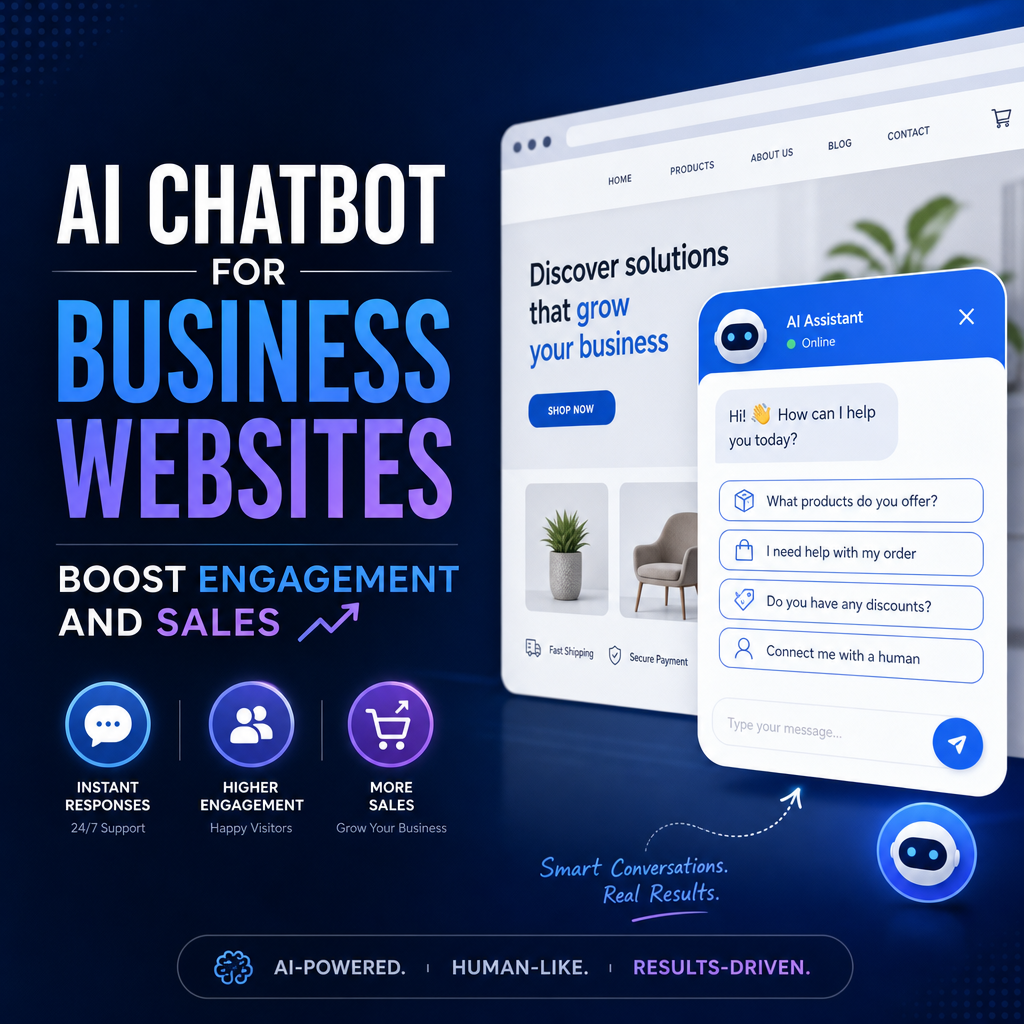
Chatbots for Business Websites: A Practical Guide to Better Service and More Conversions
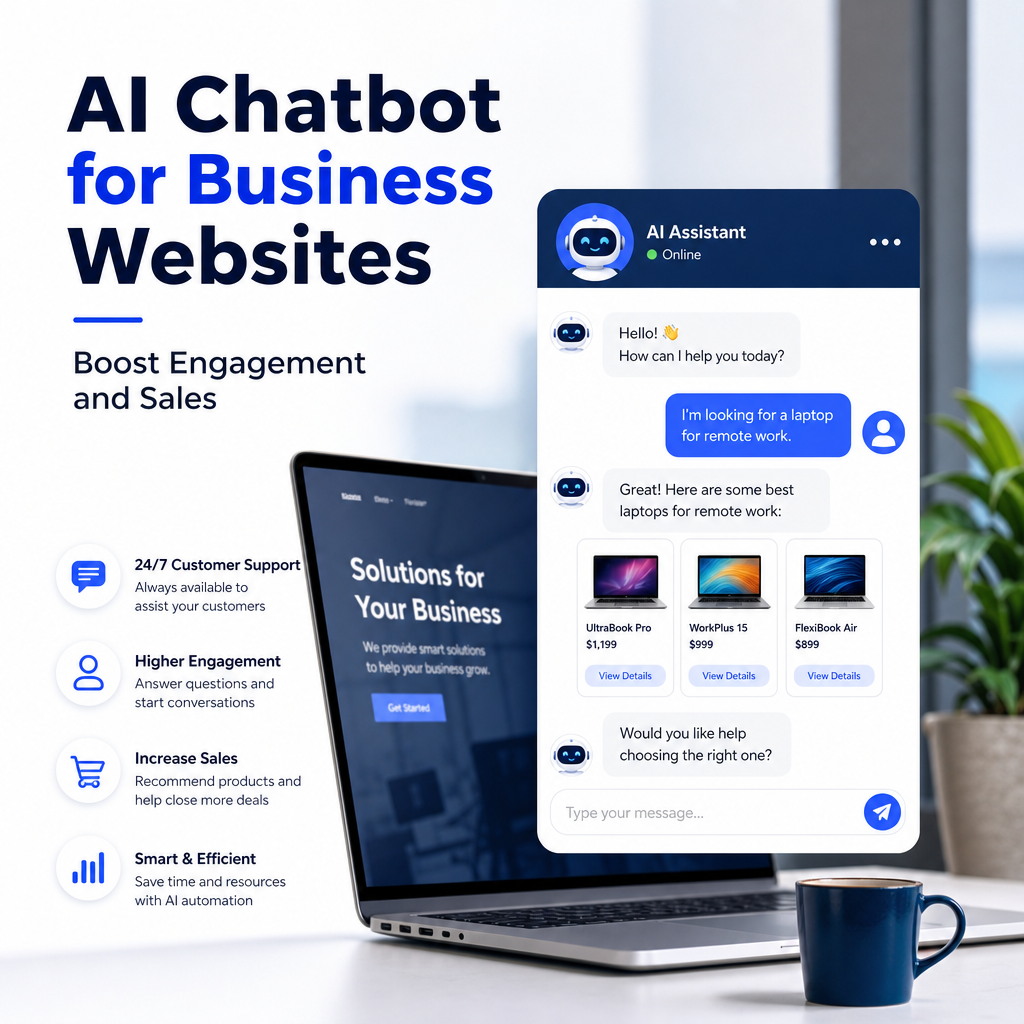
A business website should do more than look professional. It should answer questions, guide visitors, and help turn interest into action. That is exactly where chatbots can make a difference. A well-designed chatbot can greet visitors, handle common questions, collect leads, book appointments, and support customers around the clock.
For many companies, the biggest challenge is not getting traffic. It is keeping visitors engaged long enough to create a meaningful interaction. A chatbot can close that gap by giving people immediate responses when they need them most. In this article, we will explore how chatbots for business websites work, why they matter, what features to look for, and how to use an ai chatbot effectively.
What Is a Chatbot for a Business Website?
A chatbot is a software tool that interacts with website visitors through text-based conversations. It can appear as a chat bubble, sidebar, or popup window. Some chatbots follow simple rules, while others use artificial intelligence to understand questions and respond more naturally.
On a business website, a chatbot may:
- Answer frequently asked questions
- Recommend products or services
- Collect contact details from leads
- Schedule calls or appointments
- Direct visitors to the right page
- Provide customer support outside business hours
In short, a chatbot acts like a digital front desk. Instead of forcing visitors to search through menus or wait for an email reply, it offers immediate help.
Why Businesses Use Chatbots
Businesses are turning to chatbots because they improve both customer experience and operational efficiency. Visitors expect fast answers, and businesses benefit from quicker response times without increasing staffing costs.
1. Instant Responses
People do not like waiting. If a visitor has a question about pricing, shipping, availability, or services, they usually want an answer right away. A chatbot provides instant responses and keeps the conversation moving.
2. 24/7 Availability
Your website never sleeps, and neither should your support system. A chatbot can assist visitors at any time of day, including nights, weekends, and holidays. This is especially useful for businesses that serve customers in multiple time zones.
3. Better Lead Generation
A chatbot can guide visitors toward action by asking simple questions and collecting contact information. For example, it can ask whether the person needs a quote, wants a demo, or is looking for support. This creates a smoother lead capture process than a standard contact form.
4. Reduced Workload for Staff
Customer service teams often spend a large portion of their time answering repetitive questions. A chatbot can handle those routine inquiries, freeing staff to focus on more complex issues that require a human touch.
5. Improved User Experience
When visitors find answers quickly, they are more likely to stay on the site and explore further. A chatbot can reduce friction by guiding them to the right solution without making them search through multiple pages.
How an AI Chatbot Is Different from a Basic Chatbot
Not all chatbots are the same. A basic chatbot typically follows a fixed flow. It may ask predefined questions and present button options. This can work well for simple tasks, but it may struggle when users ask something unexpected.
An ai chatbot is more flexible. It uses artificial intelligence and natural language processing to understand a wider range of inputs. Instead of only responding to exact phrases, it can interpret intent and provide more relevant answers.
Basic Chatbot Example
A visitor asks: “Do you offer weekend appointments?”
A basic chatbot might only recognize this if it has been programmed for that exact phrase. Otherwise, it may fail to respond properly.
AI Chatbot Example
The same question to an ai chatbot could be understood as a scheduling inquiry. The chatbot might then reply with available weekend times or offer to connect the visitor with a team member.
This makes AI-powered chatbots especially useful for businesses with diverse customer needs and a large volume of questions.
Key Benefits of Chatbots for Business Websites
A chatbot can support multiple goals at once. Here are some of the most important benefits businesses can expect.
More Qualified Leads
Not every website visitor is ready to buy. A chatbot can ask a few qualifying questions to identify serious prospects. For example:
- What service are you interested in?
- What is your project timeline?
- What is your approximate budget?
This helps the business focus on leads that are more likely to convert.
Faster Sales Conversations
Chatbots can reduce delays in the sales process. They can answer early-stage questions, share product details, and connect visitors to the right person at the right time. This keeps prospects engaged while their interest is still high.
Better Support Efficiency
Support teams often face the same questions again and again. A chatbot can answer these common requests automatically. Examples include:
- “What are your business hours?”
- “How do I reset my password?”
- “Do you ship internationally?”
- “Where can I download the invoice?”
When the chatbot handles these requests, support agents can spend more time solving important issues.
Increased Engagement
If a visitor lands on your site and does not know where to start, a chatbot can help them move forward. It can recommend relevant pages, guide them through options, or ask what they are looking for. This kind of interaction keeps people from bouncing away too quickly.
Consistent Messaging
A chatbot delivers the same approved information every time. That consistency helps avoid confusion and ensures that your business communicates clearly across all interactions.
Best Uses for Chatbots on Business Websites
Chatbots can be used in many different industries and business models. Here are some of the most effective use cases.
Customer Service
This is one of the most common uses. The chatbot can handle routine support questions, explain policies, and direct users to help articles or support forms.
E-commerce
For online stores, chatbots can recommend products, check order status, answer shipping questions, and guide shoppers through purchase decisions.
Professional Services
Law firms, consultants, agencies, and financial services businesses can use chatbots to collect lead information, explain service offerings, and book consultations.
Healthcare and Wellness
Medical and wellness websites often use chatbots to schedule appointments, answer basic service questions, and help visitors find the right department or provider.
Real Estate
A chatbot can help buyers or renters search listings, ask about property features, and request viewings or agent callbacks.
Local Businesses
Restaurants, salons, gyms, repair companies, and other local businesses can use chatbots to answer hours, accept bookings, and share location details.
What Makes a Good Chatbot Experience?
A chatbot should feel helpful, not frustrating. Poorly designed chatbots can annoy visitors and damage trust. To create a positive experience, focus on clarity, speed, and relevance.
Keep the Conversation Simple
Visitors should understand what the chatbot can do within a few seconds. Use short messages and avoid overwhelming users with too many options at once.
Make It Easy to Reach a Human
A chatbot should not trap users in a loop. If the question is complex or the visitor wants personal help, there should be a clear path to a real person.
Be Transparent
Do not pretend the chatbot is human. Visitors appreciate honesty. Let them know they are chatting with a bot, especially if it is an ai chatbot that uses automated responses.
Match Your Brand Voice
The chatbot should sound like part of your business. A playful brand may use a friendly tone, while a law firm may prefer a professional and reassuring style. Consistency builds trust.
Focus on Useful Tasks
A chatbot should solve real problems. Avoid using it only as decoration. The best chatbots are built around questions and actions that matter to your visitors.
Features to Look for in a Business Chatbot
If you are considering a chatbot for your website, certain features can make a big difference in performance and usability.
Natural Language Understanding
For an ai chatbot, this is one of the most important features. It should understand user intent even when the question is phrased in different ways.
Lead Capture Forms
The chatbot should be able to gather names, email addresses, phone numbers, and other relevant information when needed.
Calendar Integration
For service businesses, appointment booking can be a major benefit. A chatbot that connects to your calendar can help visitors schedule meetings without back-and-forth emails.
CRM Integration
When the chatbot connects to your CRM, leads and conversations can be stored automatically. This makes follow-up easier and helps your sales team stay organized.
Live Chat Handoff
A strong chatbot platform should allow smooth transfer to a human agent when necessary. This is especially useful for high-value leads or complicated support issues.
Analytics and Reporting
You should be able to track how the chatbot performs. Useful data includes:
- Number of conversations
- Most common questions
- Lead conversions
- Drop-off points
- Customer satisfaction scores
These insights help you improve the chatbot over time.
Multi-Channel Support
Some platforms allow you to use the same chatbot across your website, social media, and messaging apps. This can create a more unified customer experience.
Common Mistakes to Avoid
Even a good chatbot can underperform if it is poorly planned. Here are some mistakes businesses should avoid.
Overcomplicating the Flow
If the chatbot asks too many questions too quickly, visitors may abandon the conversation. Keep the first steps simple and purposeful.
Ignoring User Intent
A chatbot that cannot understand what visitors want will quickly become frustrating. Make sure the responses are aligned with the most common customer needs.
Hiding Important Information
If users have to dig through a chatbot to find a phone number, refund policy, or support link, that is a poor experience. The bot should make critical information easier to access, not harder.
Failing to Update Content
Businesses change over time. Pricing, promotions, hours, and policies may shift. Review chatbot content regularly so it stays accurate.
Relying on the Bot Alone
A chatbot is a tool, not a replacement for your entire service team. The best results usually come from combining automation with human support.
Example Scenarios of Chatbots in Action
To see how chatbots help in real business settings, consider these examples.
A Marketing Agency
A visitor arrives on the agency’s homepage and asks about social media management. The chatbot responds with a short overview, offers examples of services, and invites the visitor to book a discovery call. This saves the visitor from searching multiple pages and helps the agency capture a qualified lead.
An Online Store
A shopper wants to know which laptop bag fits a 15-inch device. The chatbot recommends compatible products and shares links. The visitor gets immediate help and is more likely to make a purchase.
A Dental Clinic
A patient wants to schedule a cleaning and asks about insurance coverage. The chatbot confirms available appointment slots and directs the visitor to insurance details. This reduces phone calls and makes booking easier.
A Home Services Company
A homeowner needs an emergency plumbing repair. The chatbot asks a few quick questions, gathers the address, and connects the user to on-call support. That fast response can be the difference between losing and winning the job.
How to Get Started
You do not need a huge budget to add a chatbot to your site. Start by identifying the most common questions your visitors ask. These are usually the best automation candidates.
A simple rollout plan might look like this:
- List the top 10 to 20 questions customers ask most often
- Decide whether you need a rule-based bot or an ai chatbot
- Map out the conversation flow for the most common tasks
- Connect the chatbot to your forms, calendar, or CRM
- Test it on desktop and mobile
- Review performance after launch and make improvements
The goal is to make the chatbot genuinely useful from day one, then refine it based on real interactions.
Conclusion
Chatbots for business websites are no longer a novelty. They are a practical way to improve service, capture leads, and guide visitors more effectively. Whether you use a simple bot or an advanced ai chatbot, the key is to focus on helping your audience.
When designed well, a chatbot can answer questions instantly, support your team, and create more opportunities for sales and customer satisfaction. For businesses that want to offer faster, smarter website experiences, chatbots are one of the most valuable tools available today.
