
Best CMS Platforms Compared
Choosing the right content management system can shape everything from your website’s speed and flexibility to your long-term maintenance costs. With so many options available, a thoughtful CMS comparison is essential before you commit to a platform. Some CMS platforms are ideal for beginners who want simplicity, while others are better suited for developers, large businesses, or content-heavy websites.
In this guide, we’ll compare the most popular CMS platforms, highlight their strengths and weaknesses, and help you determine which one fits your goals best.
What Is a CMS?
A content management system, or CMS, is software that lets you create, edit, organize, and publish digital content without building every page from scratch. Most CMS platforms include tools for:
- Creating and editing pages and blog posts
- Managing media files
- Designing site layouts
- Installing plugins or extensions
- Handling user roles and permissions
- Optimizing content for search engines
The right CMS can save time, reduce development work, and make it easier to grow your website over time.
Why CMS Comparison Matters
A CMS is more than just a publishing tool. It affects your:
- Design flexibility — Can you customize the site how you want?
- Ease of use — Is it beginner-friendly or developer-heavy?
- SEO performance — Are there built-in optimization tools?
- Scalability — Can it handle growth and traffic?
- Security — How often does it receive updates and patches?
- Cost — What will hosting, themes, plugins, and support cost?
A strong cms comparison helps you avoid choosing a platform that looks great at first but becomes limiting later.
Top CMS Platforms Compared
Below is a breakdown of the leading CMS options, including their core strengths and ideal use cases.
1. WordPress
WordPress is the most widely used CMS in the world, powering blogs, business sites, online stores, membership sites, and more. It comes in two versions: WordPress.org, which is self-hosted, and WordPress.com, which is a managed platform.
Strengths
- Huge library of themes and plugins
- Very flexible for different website types
- Strong SEO capabilities
- Large community and support ecosystem
- Works well for beginners and advanced users alike
Weaknesses
- Requires regular updates and maintenance
- Plugin conflicts can occur
- Can become slow if poorly optimized
- Self-hosted version requires separate hosting
Best for
WordPress is best for users who want flexibility and control. It’s a strong choice for blogs, service-based websites, small businesses, and even enterprise projects when properly configured.
Example use case
A freelance designer might use WordPress to build a portfolio site, publish blog posts, and add a contact form, all without hiring a developer for every update.
2. Wix
Wix is a drag-and-drop website builder with built-in CMS features. It’s known for simplicity and visual design control, making it popular with beginners and small business owners.
Strengths
- Easy drag-and-drop editor
- No coding needed
- Hosting included
- Fast setup process
- Good selection of templates
Weaknesses
- Limited flexibility compared to open-source CMS platforms
- Harder to migrate away later
- Less powerful for complex websites
- Some design or structural limitations
Best for
Wix is best for users who want a simple website without technical complexity. It works well for local businesses, consultants, and personal sites.
Example use case
A yoga instructor could use Wix to quickly launch a website with class schedules, testimonials, and an online booking form.
3. Shopify
Shopify is a CMS focused on eCommerce. While it’s not a traditional general-purpose CMS, it is one of the most important platforms to include in any cms comparison because it helps businesses manage both products and content.
Strengths
- Excellent for online selling
- Built-in payment processing
- Secure and reliable hosting
- Easy inventory and order management
- Large app ecosystem for store features
Weaknesses
- Less flexible for content-heavy sites
- Transaction fees may apply depending on payment setup
- Monthly costs can increase with apps and add-ons
- Design customization can require Liquid code knowledge
Best for
Shopify is ideal for businesses that want to sell online without worrying about technical management.
Example use case
A small clothing brand can use Shopify to manage product listings, discounts, shipping settings, and customer orders from one dashboard.
4. Joomla
Joomla is an open-source CMS that offers more structure and flexibility than beginner-focused builders, but it has a steeper learning curve than WordPress.
Strengths
- Strong user permission system
- Good for multilingual websites
- More flexible content organization than some platforms
- Open-source and customizable
Weaknesses
- Smaller community than WordPress
- Less intuitive for beginners
- Fewer themes and extensions
- Administration can feel complex
Best for
Joomla suits users who need advanced content structure or permissions management, such as community websites, government sites, or membership portals.
Example use case
An association with multiple editors and language versions could use Joomla to manage complex permissions and organize content by department.
5. Drupal
Drupal is a powerful CMS built for large, complex websites that need high customization and strong security. It is often used by universities, enterprises, and government organizations.
Strengths
- Highly secure
- Extremely flexible for custom development
- Excellent for complex content models
- Handles large sites well
- Strong multilingual support
Weaknesses
- Steep learning curve
- Requires technical expertise
- More time-consuming to build and maintain
- Smaller pool of casual users
Best for
Drupal is best for organizations with development resources and advanced content requirements.
Example use case
A university might use Drupal to manage thousands of pages, multiple departments, and content workflows across different user roles.
6. Squarespace
Squarespace is a hosted CMS and website builder known for polished templates and clean design. It is often chosen by creatives, small businesses, and service providers who value aesthetics.
Strengths
- Beautiful templates
- Easy to use
- Built-in hosting and security
- Good for portfolios and small business sites
- All-in-one platform
Weaknesses
- Limited customization compared to WordPress
- Fewer third-party integrations
- Less control over advanced functionality
- Some features may feel restrictive
Best for
Squarespace is a great option for photographers, artists, coaches, and boutique businesses that want a stylish website with minimal technical effort.
Example use case
A wedding photographer could use Squarespace to build a visually appealing portfolio and include inquiry forms, testimonials, and pricing pages.
7. Contentful
Contentful is a headless CMS, meaning it separates content management from the front-end design layer. This makes it ideal for omnichannel content delivery across websites, apps, and digital products.
Strengths
- Flexible content delivery via API
- Great for omnichannel publishing
- Scales well for modern digital experiences
- Developer-friendly architecture
- Works well with custom front ends
Weaknesses
- Not beginner-friendly
- Requires developers to implement effectively
- Can be costly for larger teams
- Less visual editing compared to traditional CMS platforms
Best for
Contentful is best for development teams building custom websites, apps, or content systems that need to deliver content across multiple platforms.
Example use case
A media company may use Contentful to publish content to a website, mobile app, and smart device interface from one central system.
8. Webflow
Webflow combines visual design tools with CMS capabilities, giving designers more control without requiring as much custom code. It is popular among agencies, freelancers, and design-driven brands.
Strengths
- Visual design precision
- Built-in CMS features
- Good for custom, modern websites
- No need for extensive coding
- Hosting and publishing included
Weaknesses
- Learning curve for new users
- Can become expensive for teams
- Not as plugin-rich as WordPress
- Advanced features may still require technical knowledge
Best for
Webflow is ideal for designers and marketing teams that want more control over layout and interaction than traditional website builders offer.
Example use case
A digital agency could use Webflow to create a custom marketing site with dynamic case studies, animations, and reusable content blocks.
CMS Comparison Table
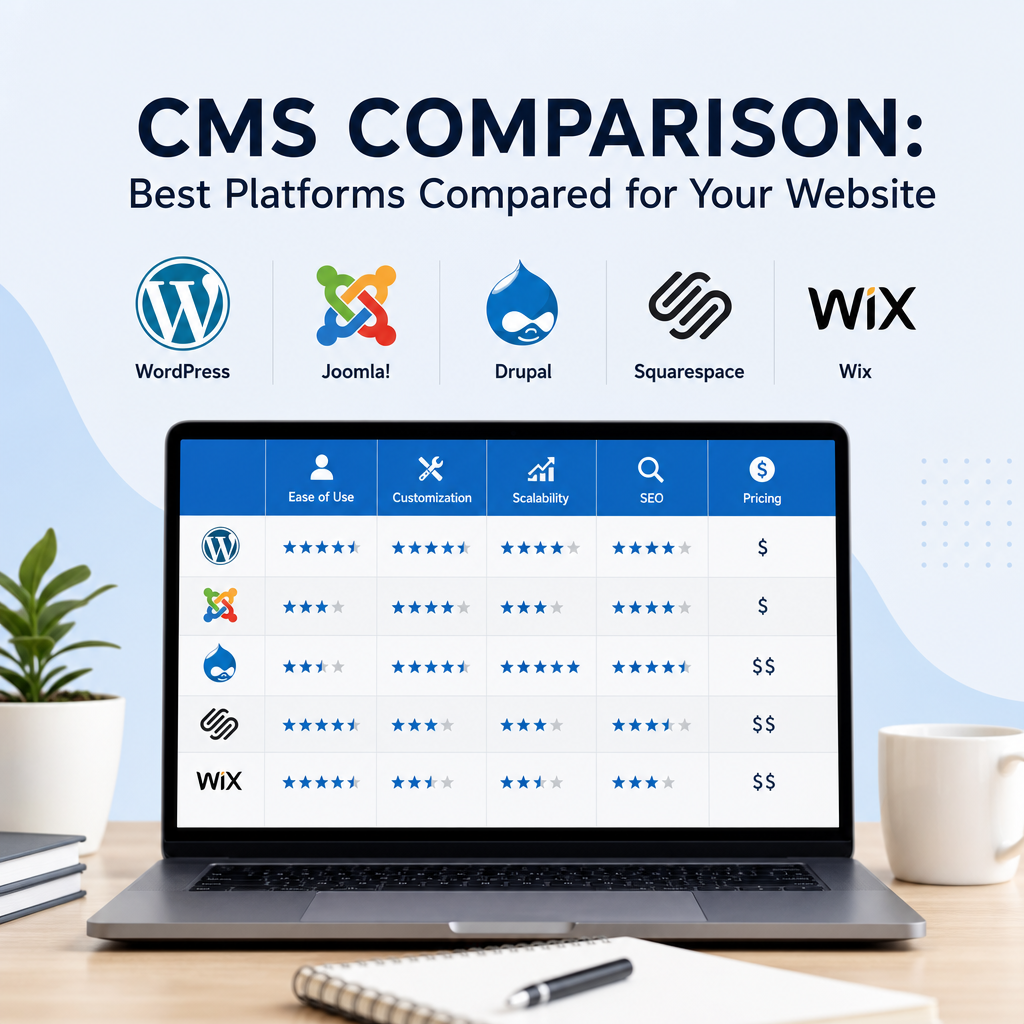
Here’s a quick summary to simplify your cms comparison:
| CMS Platform | Ease of Use | Flexibility | Best For | Main Drawback |
|---|---|---|---|---|
| WordPress | Moderate | Very High | Blogs, business sites, custom websites | Maintenance required |
| Wix | Very Easy | Low-Medium | Simple sites, small businesses | Limited scalability |
| Shopify | Easy | Medium | eCommerce stores | Less suited for content sites |
| Joomla | Moderate-Hard | High | Structured sites, multilingual projects | Complex interface |
| Drupal | Hard | Very High | Large, secure, custom sites | Steep learning curve |
| Squarespace | Very Easy | Medium | Creative portfolios, service businesses | Limited advanced customization |
| Contentful | Hard | Very High | Apps, enterprise content | Developer dependency |
| Webflow | Moderate | High | Custom marketing sites, agencies | Cost and learning curve |
How to Choose the Right CMS
The best CMS platform depends on your goals, budget, and technical comfort level. Start by asking these questions:
1. What type of website are you building?
- Blog or content site: WordPress, Webflow, or Squarespace
- Online store: Shopify
- Portfolio or personal brand site: Squarespace, Wix, or Webflow
- Large enterprise or government site: Drupal or Joomla
- App-driven or multi-channel content: Contentful
2. How much control do you need?
If you want deep customization and long-term flexibility, open-source platforms like WordPress or Drupal may be a better fit. If you want a faster setup and less maintenance, hosted platforms like Wix, Squarespace, or Shopify can be more convenient.
3. What is your technical skill level?
Beginners often prefer simple drag-and-drop tools. Developers or teams with technical support may prefer CMS platforms that allow more control over content structure and site architecture.
4. What is your budget?
Some platforms have lower upfront costs but may require paid plugins or premium themes. Others include hosting and support but charge higher monthly fees. Consider the full cost over time, not just the starting price.
5. Do you need to scale later?
A small website may not need advanced features now, but if you expect rapid growth, choose a CMS that can grow with you. Switching platforms later can be expensive and time-consuming.
Common Mistakes to Avoid
When making a CMS comparison, many users focus only on the platform’s popularity or appearance. That can lead to problems later. Avoid these mistakes:
- Picking a CMS without thinking about long-term growth
- Ignoring maintenance and security needs
- Overlooking SEO tools and performance
- Choosing based only on price
- Forgetting about migration difficulty
- Selecting a platform that is too complex for your team
A platform that seems easy today may become limiting once your site grows. Likewise, a highly advanced CMS may be unnecessary if you only need a simple brochure website.
Final Thoughts on CMS Platforms
There is no single best CMS for every situation. The right choice depends on your website’s purpose, your technical resources, and the level of flexibility you need.
For most users, WordPress remains the most balanced option because it combines ease of use, scalability, and customization. For eCommerce, Shopify is a standout choice. For design-focused users, Squarespace or Webflow may be ideal. And for large, complex digital projects, Drupal or Contentful can offer the power needed to manage advanced workflows.
A smart cms comparison should always focus on your actual needs rather than trends. Pick the platform that supports your content strategy today while leaving room for growth tomorrow.
