
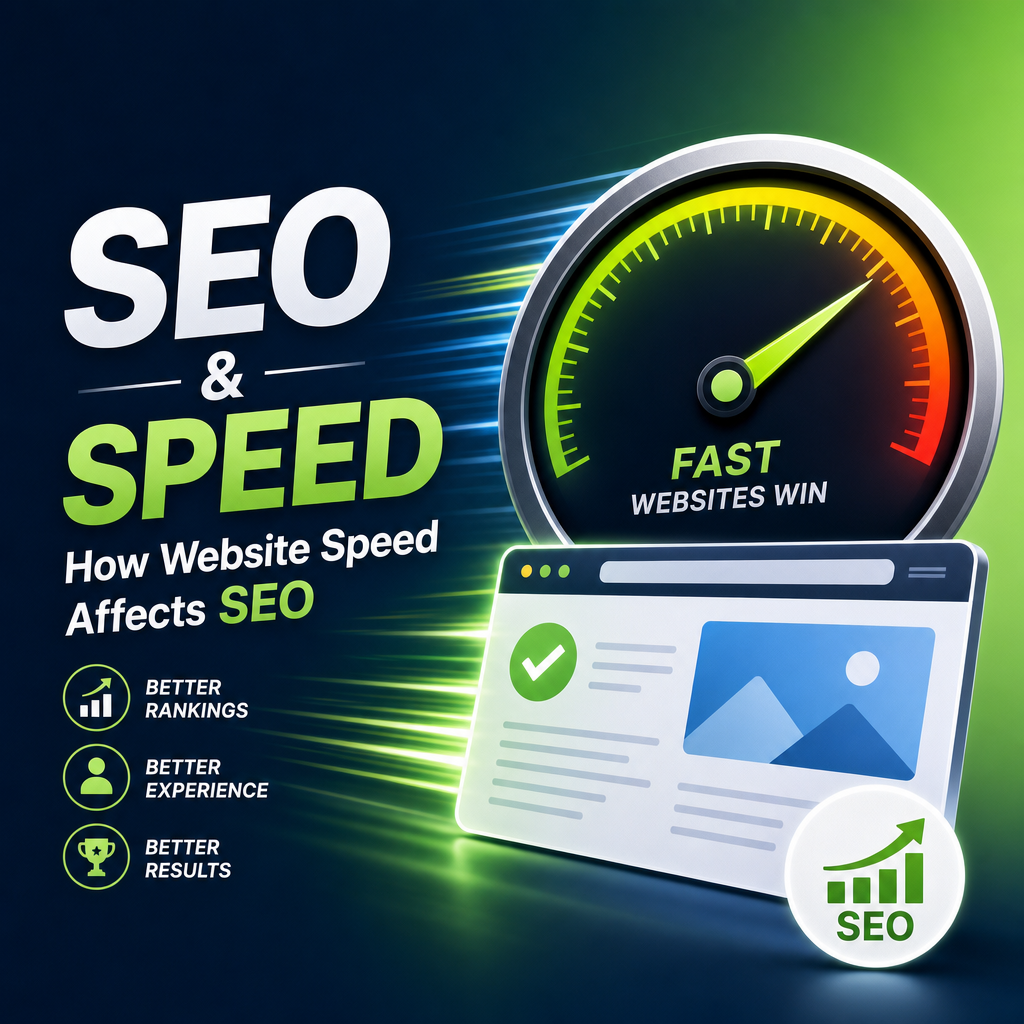
How Website Speed Affects SEO
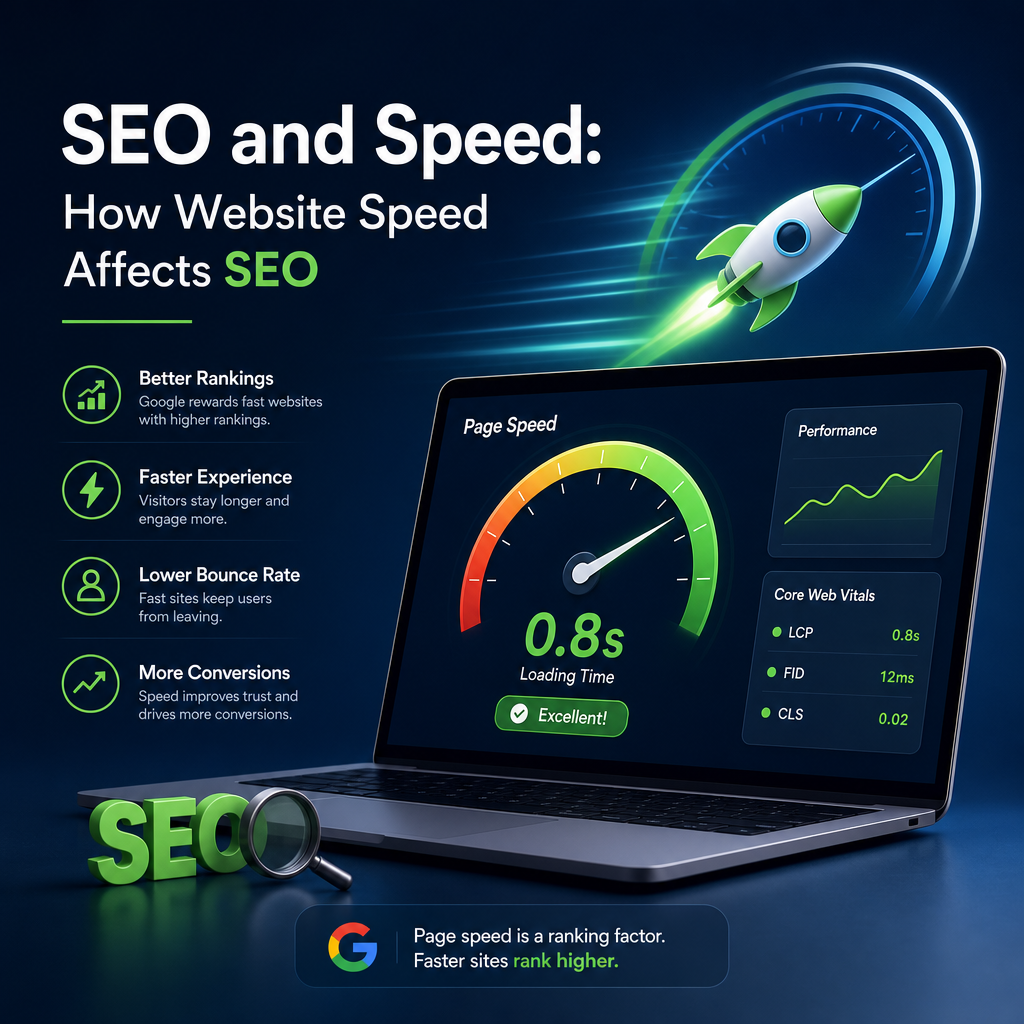
Website speed is one of those factors that can quietly shape the success of your site. It affects how visitors experience your pages, how search engines crawl your content, and how likely people are to stay, engage, and convert. In other words, the connection between seo and speed is real, practical, and increasingly important.
A fast website helps users get information quickly, which reduces frustration and increases trust. A slow website, on the other hand, can push visitors away before they ever see what you have to offer. Search engines pay attention to these behaviors, which is why site speed has become a meaningful part of modern SEO strategy.
In this article, we’ll break down how website speed influences SEO, why it matters for both users and search engines, and what you can do to improve it.
Why Website Speed Matters
People expect websites to load quickly. In fact, even small delays can have a big impact on user behavior. If a page takes too long to load, visitors may leave before it appears, especially on mobile devices where patience is often even lower.
From an SEO perspective, speed matters because search engines want to deliver the best possible experience to users. A site that loads quickly is generally easier to use, easier to crawl, and more likely to keep visitors engaged. That creates a positive signal that supports better rankings over time.
Speed and user behavior
When a page loads fast, users can:
- Read content sooner
- Navigate the site more easily
- Interact with buttons, forms, and menus without delay
- Feel more confident in the site’s professionalism
When a page loads slowly, users may:
- Bounce before content appears
- Click away to a competitor
- View fewer pages
- Lose trust in the brand
These behaviors are not just good or bad for user experience; they also influence SEO indirectly. Search engines often use engagement signals to understand whether a page is useful.
How Google Thinks About Speed
Google has long made it clear that page speed is a ranking consideration. Over time, speed has become even more important as mobile usage has grown and user expectations have changed. Google wants to present pages that are not only relevant, but also efficient and pleasant to use.
Core Web Vitals and speed
One major way Google measures site experience is through Core Web Vitals. These are performance metrics that focus on how quickly a page loads, how responsive it feels, and whether elements shift around unexpectedly while loading.
The main Core Web Vitals include:
- Largest Contentful Paint (LCP): how long it takes for the main content to become visible
- Interaction to Next Paint (INP): how quickly a page responds when a user interacts with it
- Cumulative Layout Shift (CLS): how stable the page layout is during loading
Although Core Web Vitals are not the only SEO factor, they are part of Google’s broader evaluation of page experience. A site that performs well here is better positioned to support stronger SEO outcomes.
Crawl efficiency
Search engines use bots to crawl websites and discover content. If your site is slow, bots may be able to crawl fewer pages in the same amount of time. That can be a problem for large websites with lots of content or pages that change often.
Faster pages can make crawling more efficient, which can help search engines find, index, and understand your content more effectively. This is another reason seo and speed go hand in hand, especially for sites with complex structures.
The Direct and Indirect SEO Effects of Speed
Website speed affects SEO in both direct and indirect ways. Some impacts come from how search engines evaluate the page itself. Others come from how users respond once they land on your site.
Direct effects
Here are some of the clearest ways speed can influence SEO directly:
- Better crawlability: Fast sites are easier for bots to scan
- Improved page experience: Speed is a component of user-friendly design
- Higher mobile performance: Mobile-first indexing makes mobile speed especially important
- Stronger technical health: Faster sites often reflect better optimization overall
Indirect effects
Speed also affects SEO through user behavior. For example:
- Visitors stay longer on fast pages
- Faster loading can reduce bounce rates
- Smooth experiences can increase page views
- Better usability can improve conversions and return visits
Search engines do not rank pages solely based on these behavioral metrics, but they do help show whether your site is useful and satisfying. That makes speed an important piece of the larger SEO puzzle.
Why Slow Websites Lose Traffic
A slow website can hurt traffic in several ways. Even if your page ranks well, poor speed may reduce the value of that ranking because fewer people stay long enough to engage with your content.
1. Higher bounce rates
If a page takes too long to load, many visitors will leave immediately. A high bounce rate can be a sign that the content failed to meet expectations or that the experience was too frustrating.
2. Lower engagement
Slow websites make it harder for users to explore. They may avoid clicking to another page or interacting with a form if they expect the next step to be just as slow.
3. Fewer conversions
For eCommerce sites, lead generation pages, and service businesses, speed can directly affect revenue. A delay during checkout, sign-up, or contact form submission can reduce conversions.
4. Poor mobile performance
Mobile users are often more affected by speed problems because connections may be less stable and devices less powerful than desktops. Since mobile traffic is now dominant for many sites, poor mobile speed can damage SEO performance significantly.
Common Causes of Slow Website Speed
Many websites are slower than they need to be because of a few common technical issues. Understanding these can help you identify where improvements are needed.
Large images
Uncompressed or oversized images are one of the most frequent causes of slow load times. If your page contains multiple large images, the browser has to work harder to render everything.
Too many plugins or scripts
WordPress sites often use multiple plugins, which can add CSS, JavaScript, and extra server requests. Too many unnecessary scripts can slow down both page loading and interaction.
Poor hosting
Low-quality hosting can create slow server response times. Even well-optimized pages may feel sluggish if the server takes too long to deliver content.
Excessive redirects
Redirect chains add delay because users and search engines must wait for multiple steps before reaching the final page.
No caching
Without caching, the browser and server must rebuild content more often, which increases load time.
Heavy themes or page builders
Some themes and page builders are visually powerful but come with extra code that can reduce performance if not configured carefully.
How to Improve Website Speed for SEO
Improving website speed does not always require a full redesign. In many cases, focused technical changes can make a major difference.
Optimize images
Images should be compressed and resized to match their display dimensions. Useful practices include:
- Converting images to modern formats like WebP
- Compressing files before upload
- Using responsive images
- Lazy-loading images below the fold
This can dramatically reduce the time it takes for a page to load.
Minify CSS and JavaScript
Minification removes unnecessary characters from code, making files smaller and faster to transfer. While this may sound technical, many performance plugins can automate the process.
Use caching
Caching stores a version of your page so it can be delivered more quickly to future visitors. This reduces server workload and speeds up repeat visits.
Choose better hosting
If your site is consistently slow, your hosting plan may be part of the problem. Upgrading to a faster server or a managed WordPress host can improve performance significantly.
Reduce unused plugins and scripts
Review your active plugins and remove any that are not essential. Fewer plugins usually mean fewer requests, less code, and a leaner website.
Enable a content delivery network (CDN)
A CDN stores copies of your site’s assets on servers around the world. This allows users to load content from a location closer to them, reducing latency and improving speed.
Improve mobile performance
Since mobile speed is so important for SEO, make sure your site works well on smaller screens and slower connections. This includes:
- Simplifying navigation
- Compressing media files
- Avoiding intrusive pop-ups
- Testing with mobile devices and mobile network conditions
Limit unnecessary third-party tools
Chat widgets, ad networks, tracking scripts, and social embeds can all slow a site down. Use only what you truly need and load third-party tools carefully.
Measuring Website Speed
You cannot improve what you do not measure. Before making changes, it helps to establish a baseline and identify the biggest bottlenecks.
Helpful tools
Popular tools for speed analysis include:
- Google PageSpeed Insights
- Google Search Console
- GTmetrix
- Lighthouse
- WebPageTest
These tools can show you page load time, Core Web Vitals performance, and specific opportunities for improvement.
What to look for
When reviewing speed reports, focus on:
- Time to first visible content
- Time to interact with the page
- Layout shifts during load
- Large files that slow rendering
- Server response time
A single slow element can sometimes create the biggest problem, so look for the factors with the largest impact first.
Real-World Example: Fast vs. Slow Pages
Imagine two similar blog posts targeting the same keyword.
Page A: Fast and optimized
- Loads in under 2 seconds
- Uses compressed images
- Has clean navigation
- Renders smoothly on mobile
- Keeps users engaged
Page B: Slow and bloated
- Takes 6 to 8 seconds to load
- Contains oversized images
- Uses several unnecessary scripts
- Shifts around while loading
- Causes users to leave early
Even if both pages are equally relevant in terms of content, Page A is likely to perform better over time. Users will stay longer, interact more, and trust the site more. Search engines may interpret those signals as evidence that the page provides a better experience.
This is one of the clearest examples of how seo and speed work together in practice.
Does Speed Alone Guarantee Higher Rankings?
No. Website speed is important, but it is not enough by itself to make a page rank well. SEO still depends on many other factors, including:
- Search intent
- Content quality
- Keyword relevance
- Backlinks
- Internal linking
- Site structure
- Mobile usability
A fast site with thin or irrelevant content will not outperform a slow site with outstanding content in every situation. However, when your content is strong, speed can help it perform better by making the overall experience more useful and accessible.
Think of speed as a multiplier. It does not replace good SEO fundamentals, but it helps them work more effectively.
Best Practices for Balancing SEO and Speed
A well-optimized website should be both informative and efficient. That means balancing design, functionality, and performance.
Focus on essential content first
Make sure the most important information appears quickly. Avoid loading heavy elements before users can see the core message.
Keep design simple where possible
Clean layouts are often faster and easier to use than overly complex pages. Simplicity can improve both aesthetics and performance.
Test regularly
Speed can change over time as you add plugins, images, or new content. Regular testing helps you catch new issues before they harm SEO.
Make performance part of your content strategy
Every new page, image, or feature can affect load time. Treat speed as part of the publishing process, not just a technical afterthought.
Conclusion
Website speed is a critical part of SEO because it affects how users experience your site and how efficiently search engines can crawl it. Fast pages tend to keep visitors engaged, support better mobile performance, and create a stronger overall user experience. Slow pages, by contrast, can increase bounce rates, reduce conversions, and hold your site back in search results.
If you want stronger SEO results, pay attention to performance from the start. Optimize images, reduce unnecessary code, improve hosting, and measure your progress regularly. When seo and speed work together, your site becomes easier to use, easier to rank, and more likely to convert visitors into customers.
